Our social media feeds are blowing up photos from the FaceApp, thanks to the new FaceApp Challenge, but is it safe? If you'e missed the buzz, this hilarious (ish) app lets you upload a photo to the app, then edits it using AI filters so …
I've written a few times here at Cool Mom Tech about my love-hate relationship with the new MacBook , particularly the butterfly keyboard. It makes typing so incredibly fast and easy, but it gets stuck very easily. And it's not just me! …
Yesterday, I spent a good two hours live tweeting the bigger Apple announcements at their 2019 developer conference that would be of interest to parents. Like, news about parental controls, photo sharing, and home security? Yes please! N…
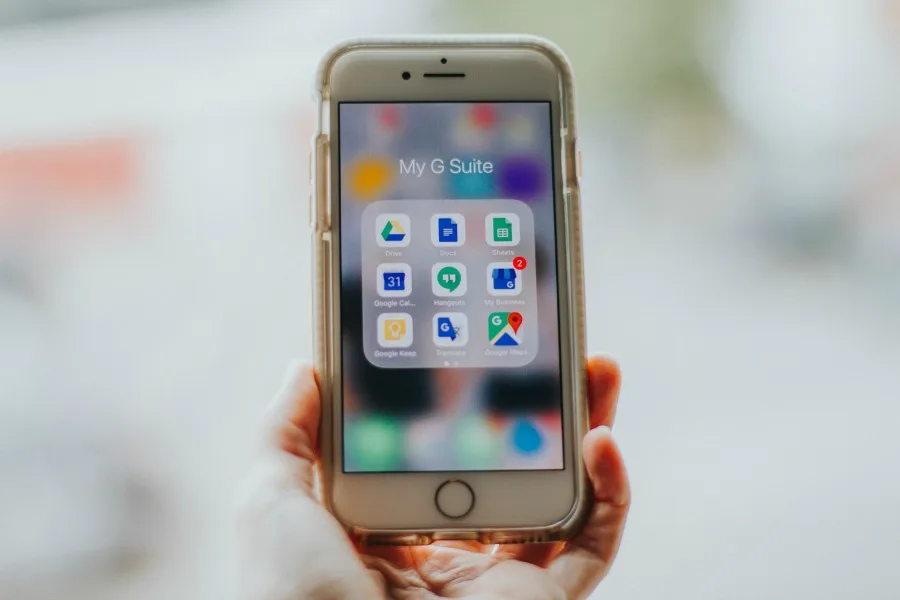
If it looks like your kids are hard at work on their laptop or Chromebook, they might actually be messaging with their friends. Turns out, tweens and teens are using Google Docs to chat with each other, and it's honestly pretty brilliant…
When it comes to digital parenting , there's a seemingly endless number of conversations we need to have with our tweens and teens. And according to a recent survey, moving " how to make a strong password " to the top of the list is pret…
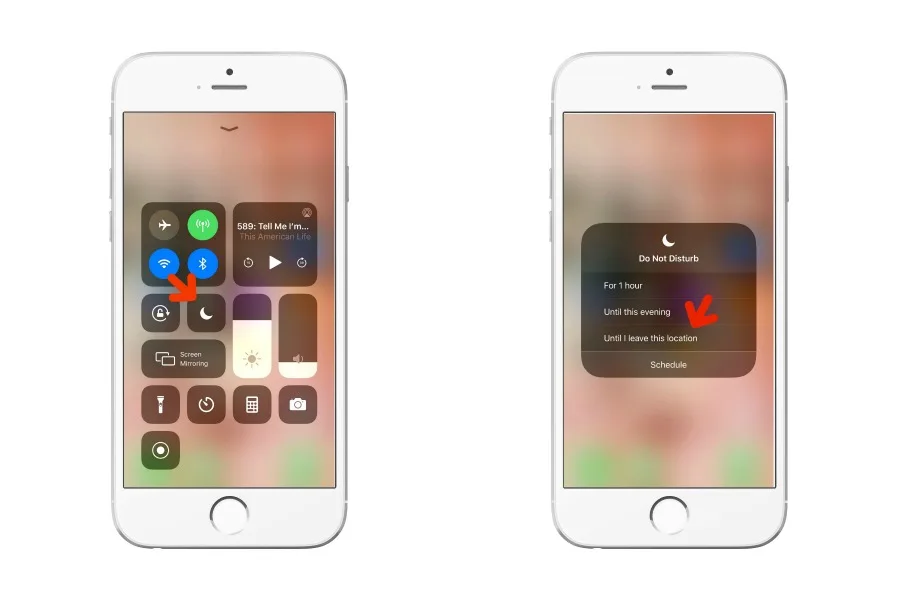
We're big fans of the Do Not Disturb feature on iPhone , which, if you're not familiar, allows you to temporarily block notifications (including texts and calls) with lots of customization too. As you can probably guess, it's perfect for…
If you're like me, you spend a fair amount of time watching Netflix and generally see the same shows and movies every single time you scroll. Sorry, Netflix, I'm not in the mood to watch The Perfect Date, for the 15th time. Well, our fri…
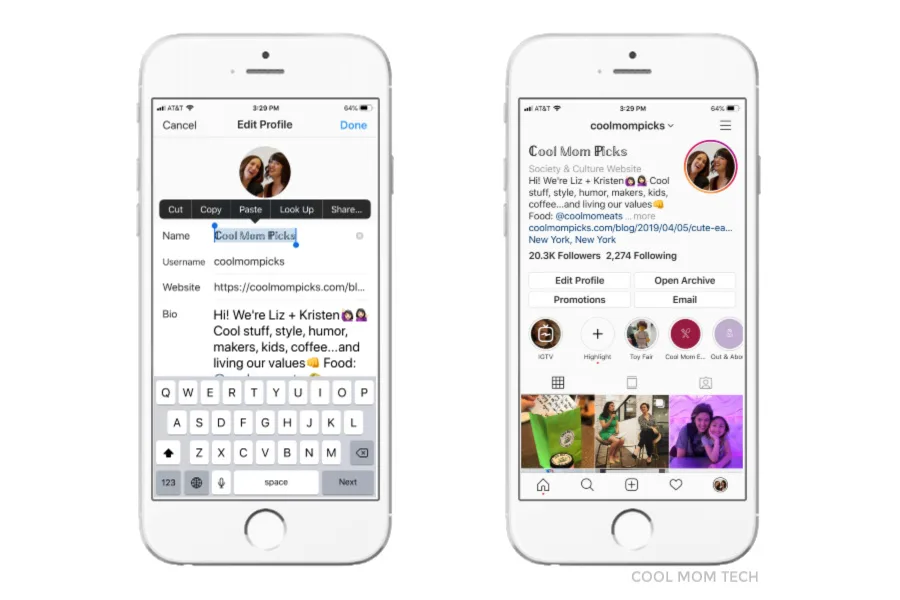
Every so often, you probably see an Instagram name that pops up in wedding script, some gothic type, or even upside down, and if you've wondered how you change the font on your Instagram bio, it's so simple! There are apps you can downlo…
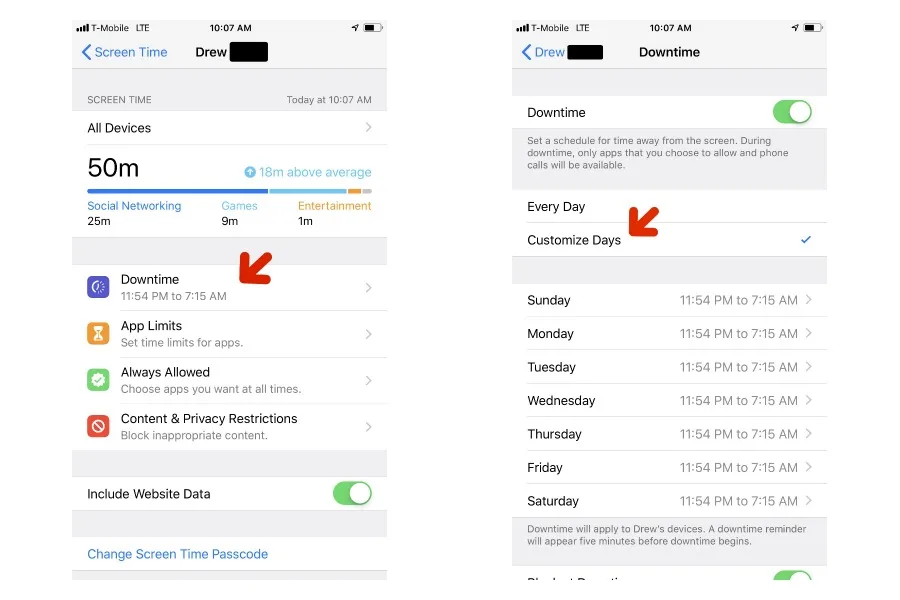
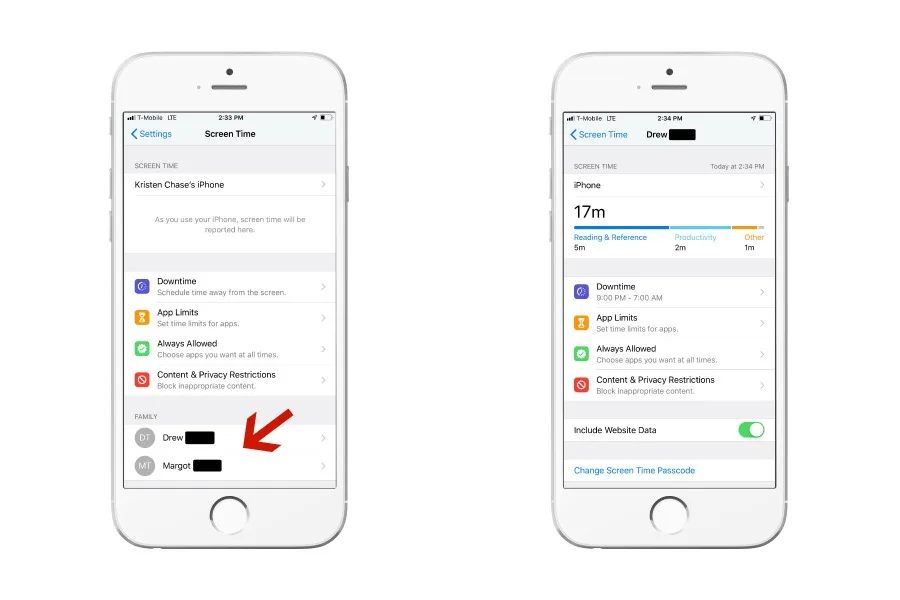
If you haven't updated to the new iOS 12.2, it's worth it just to get the new Screen Time app feature that allows you to customize your child's downtime by the day. It's pretty easy to do once you have your phone running on the new iOS. …
As someone who uses ride sharing apps like Uber and Lyft pretty frequently (and is often distracted by what's happening on my phone), I know how easy it can be to just hop in a car that pulls up in front of me without checking everything…
You've probably already figured out how to use the Screen Time app on iPhone to help manage your child's screen time. Screen Time makes it easy to block and set limits on categories of apps, specific apps during Downtime, or just screen …
If you're like us, it's been awhile since you've spent any time over at Google+, which is why you might want to take a peek at your content before it shutters on March 31, 2019. Keep in mind, Google+ will be deleting all posts, as well a…
I've been an Amazon Prime member for many moons now, reaping the benefits of everything from free 2-day shipping to awesome bingeworthy shows , and lots in between. If you've been holding out on an Amazon Prime membership, they've added …
Thank you to Verizon Wireless for sponsoring this post. If there's anything all parents can agree on, it's that we could use a few more minutes (or hours!) in the day, and we do our best to try to find that extra time where we can. It's …
We couldn't create an Ultimate Guide to Digital Parenting without including tips about how to keep your kids safe on social media. After all, for our tweens and teens, the Internet is social media, and they could sooner give up the games…
While parents are still freaking out about Snapchat and the Momo challenge, the truth is there are some risky apps for kids that can fly right under our radar. Some of them seem completely innocuous -- while some are clearly bad news wai…
As part of our Ultimate Guide to Digital Parenting , answering parents' top questions about family technology, we're sharing the best services and tools to help you monitor your kids on their gadgets. While most routers, phones, tablets …
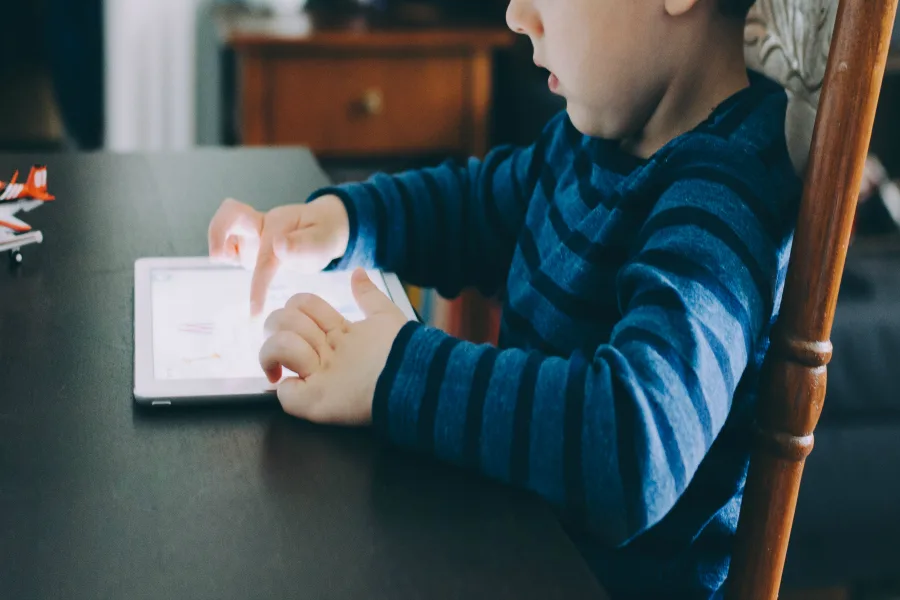
As part of our Ultimate Guide to Digital Parenting , we know that a top question from parents is the best way to set screen time rules when we're at home. And we've got so many helpful approaches for you! Because bringing gadgets into yo…
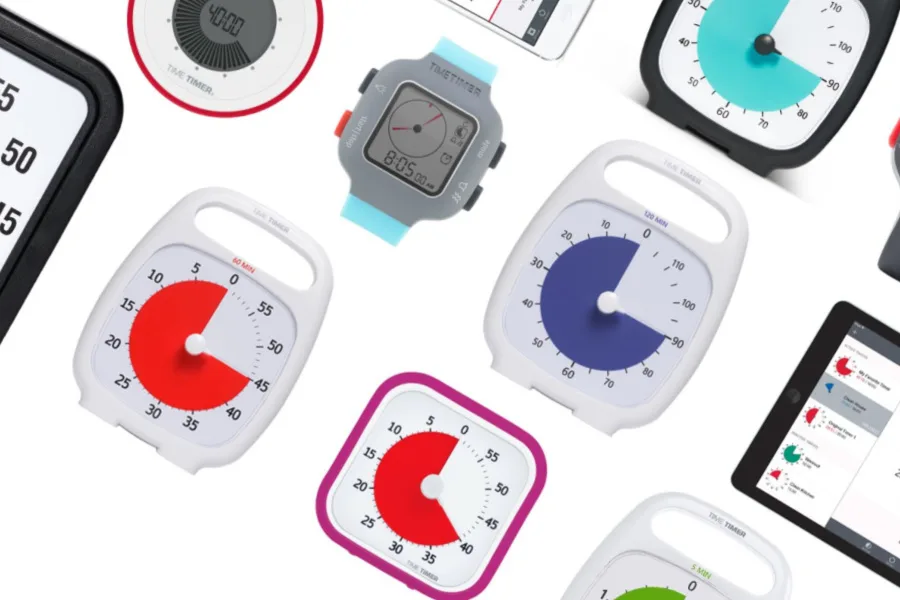
Next up in our Ultimate Guide to Digital Parenting , we tackle one of the biggest challenges parents face each day: screen time management. We know full well how hard it can be to decide how much is the right amount of time for our kids,…
We can't tell you how much debate we've seen over the simple question, "when is my kid ready for a smartphone?" It brings out nearly as much stress, passion and well, sanctimony, as questions about breastfeeding or sleep training. Well, …
Last week, we had a lively discussion about inappropriate follow requests on Instagram in our Out Tech Your Kids Facebook Group . Many parents bemoaned the challenges of trying to navigate this with their kids on Instagram, even on priva…
Since reading Anya Kamenetz's interview with Jordan Shapiro on NPR , I've made some heavy shifts in how I'm approaching screen time with my kids. For the years that they've been on video games, tablets and most recently, their own phones…
After finally updating my son's iPhone SE to iOS 12 , I've been able to properly utilize the Screen Time app , which by the way, is where you'll find all the Restrictions you might be familiar with from previous iOS versions. If you've g…
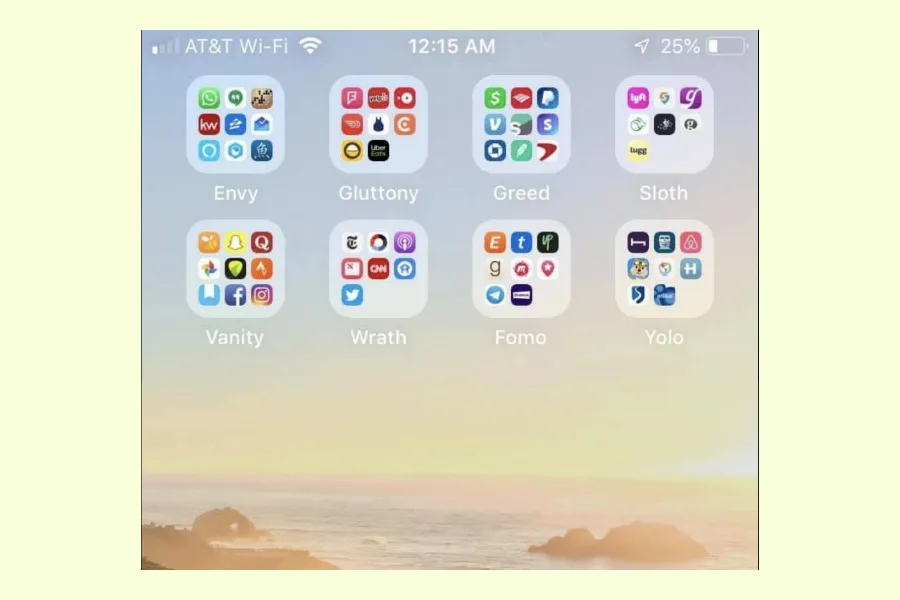
We've seen lots of different ways to organize your iPhone apps , and well, just when we thought we'd seen the best, we discovered this iPhone app organization method from Ian Stanczyk (above). It's not necessarily the best, but certainly…
 Best Apps
 Tips and Tricks
 Best Apps
 Tips and Tricks
 Tips and Tricks
 Tips and Tricks
 Tips and Tricks
 Social Media
 Tips and Tricks
 Tips and Tricks
 Tips and Tricks
 Tips and Tricks
 Tips and Tricks
 Tips and Tricks
 Internet Safety
 Best Apps
 Best Apps
 Internet Safety
 Best Apps
 Gear + Hardware
 Tips and Tricks
 Tips and Tricks
 Tips and Tricks
 Tips and Tricks