What are the best screen time management strategies that work for parents? 5 that work. | Guide to Digital Parenting
March 4, 2019•9 min read

Next up in our Ultimate Guide to Digital Parenting, we tackle one of the biggest challenges parents face each day: screen time management. We know full well how hard it can be to decide how much is the right amount of time for our kids, especially as they get older. And then, we have to figure out a way to enforce our rules, whether we're talking about tablets, phones, computers, gaming systems, e-readers, televisions -- or in some cases, all of the above!
After talking to hundreds of parents over the years and hearing from so many top family tech experts, we've put together 5 different strategies to help you approach screen time management.
They're all different -- because hey, every family is different -- and importantly, they're all strategies we've tried ourselves.
With a little trial and error, some mixing and matching, and importantly, some consistency when you land on an approach you like, we hope you'll find the screen time management strategy that works best for your family.
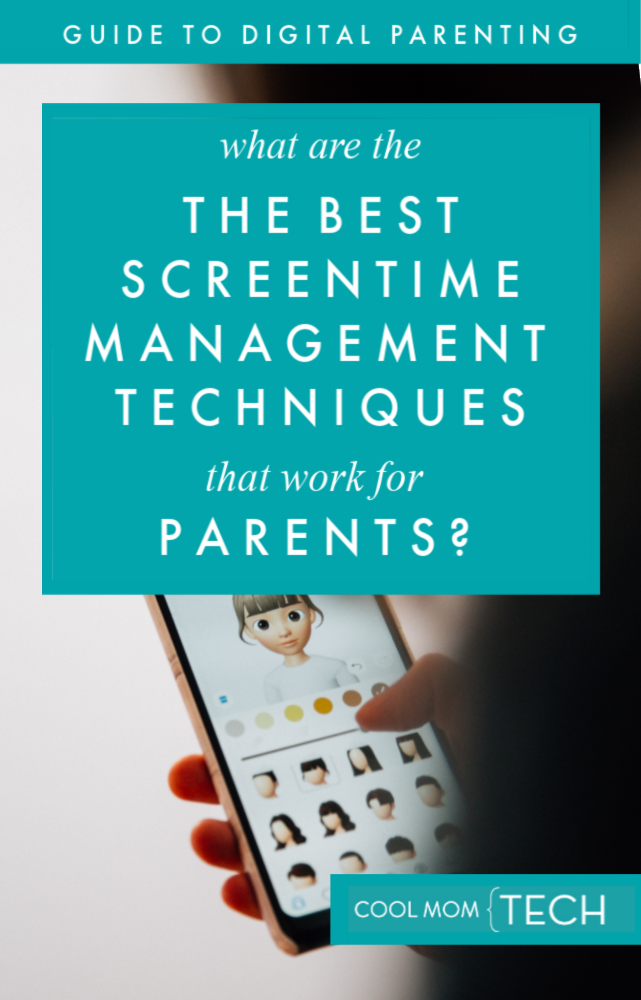
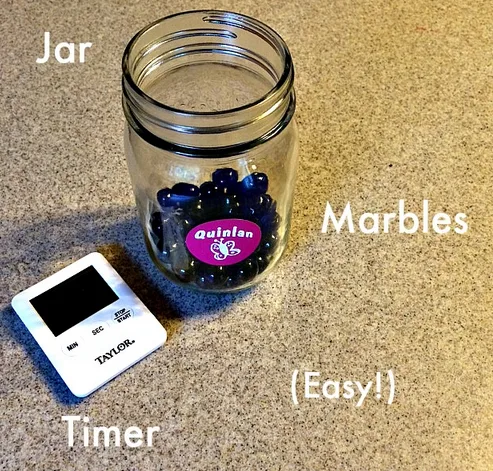
1. Time-based screen time management

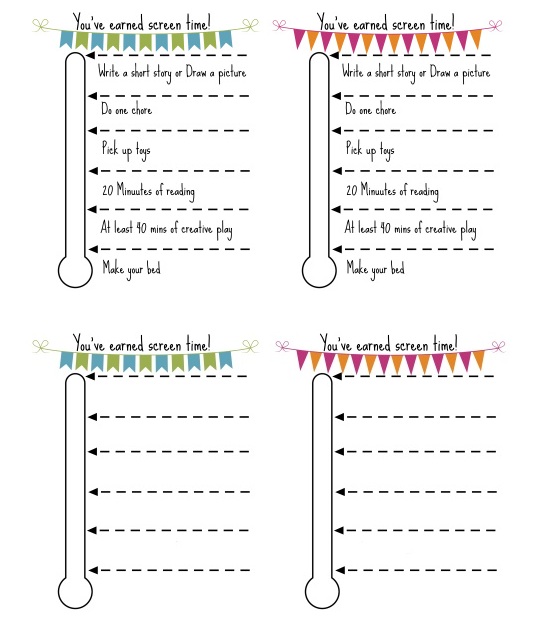
2. Reward-based screen time management
Got more digital parenting questions? We’ve got answers! Be sure to check all the articles in our Ultimate Guide to Digital Parenting.
3. Location-based screen time management
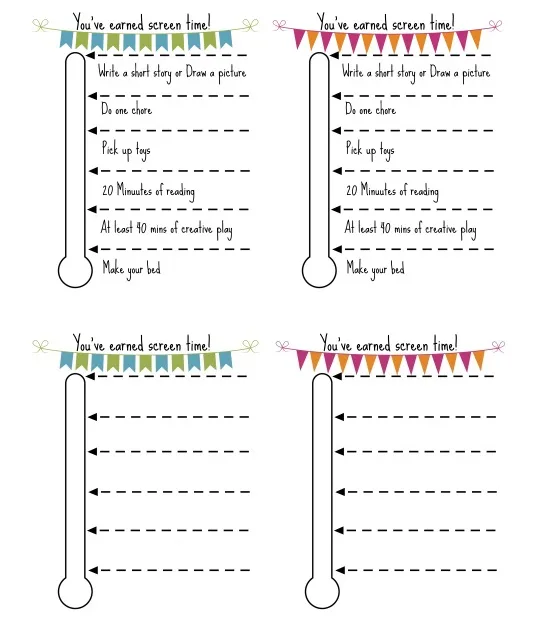
The challenge of a location-based screen time management strategy is that it can often require a lot of work from parents. And considering parenting is a job that already requires time and energy, adding a complicated tracking system might put some of us over the edge (We hear you!) That's why the idea of screen time being allowed only when you're in certain parts of your house, or perhaps, only outside the home, may be a more manageable solution that works for you. Using Screens On The Go Considering how often families tend to be running around with after school activities, practices, and performances, one screen time management strategy that may work for you could be determining that kids are only permitted to use their phones when you're in the car or in transit, or on the bus to and from school. When you're home, gadgets remain plugged in and put away. It could work! Creating Tech-Free Sacred Spaces In a recent Spawned with Kristen and Liz podcast, we spoke with tech expert Dr. Mike Brooks, who suggested a sacred space strategy for parents. The basic premise is very simple: technology can only be used in certain parts of the home, and not in others. You simply designate where kids are permitted to use their gadgets -- and that's it. Think bathroom (ha! but seriously) or a family room. Or be more specific: Only the couch in the den, or only the kitchen counter but not the dining room table. You can also flip the idea, and create spaces where gadgets absolutely cannot be used, like in bed, at the table, or, if particularly if you have little kids who are prone to dropping gadgets, the bathroom.4. Chore-based screen time management
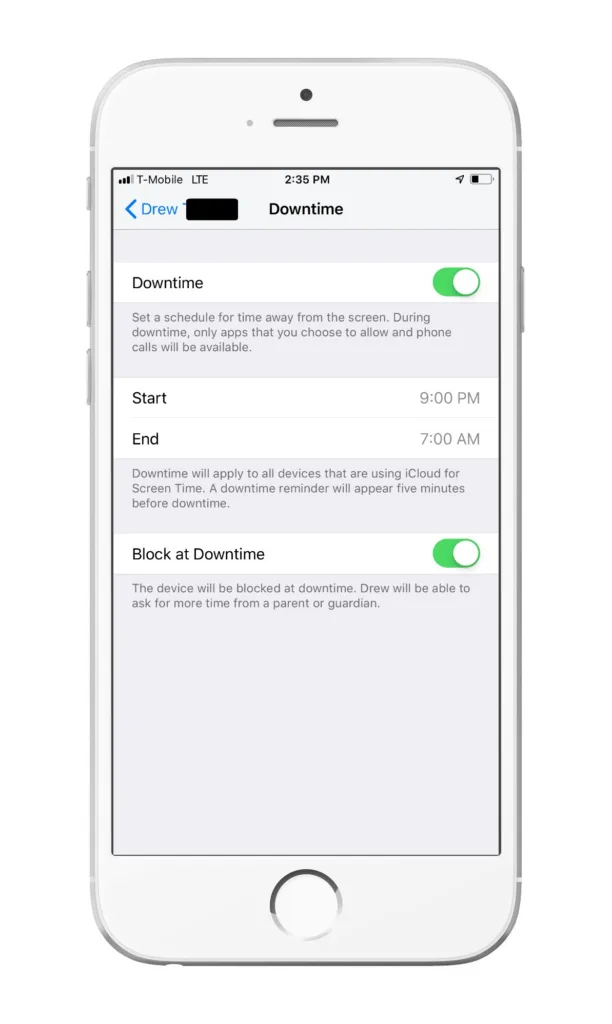
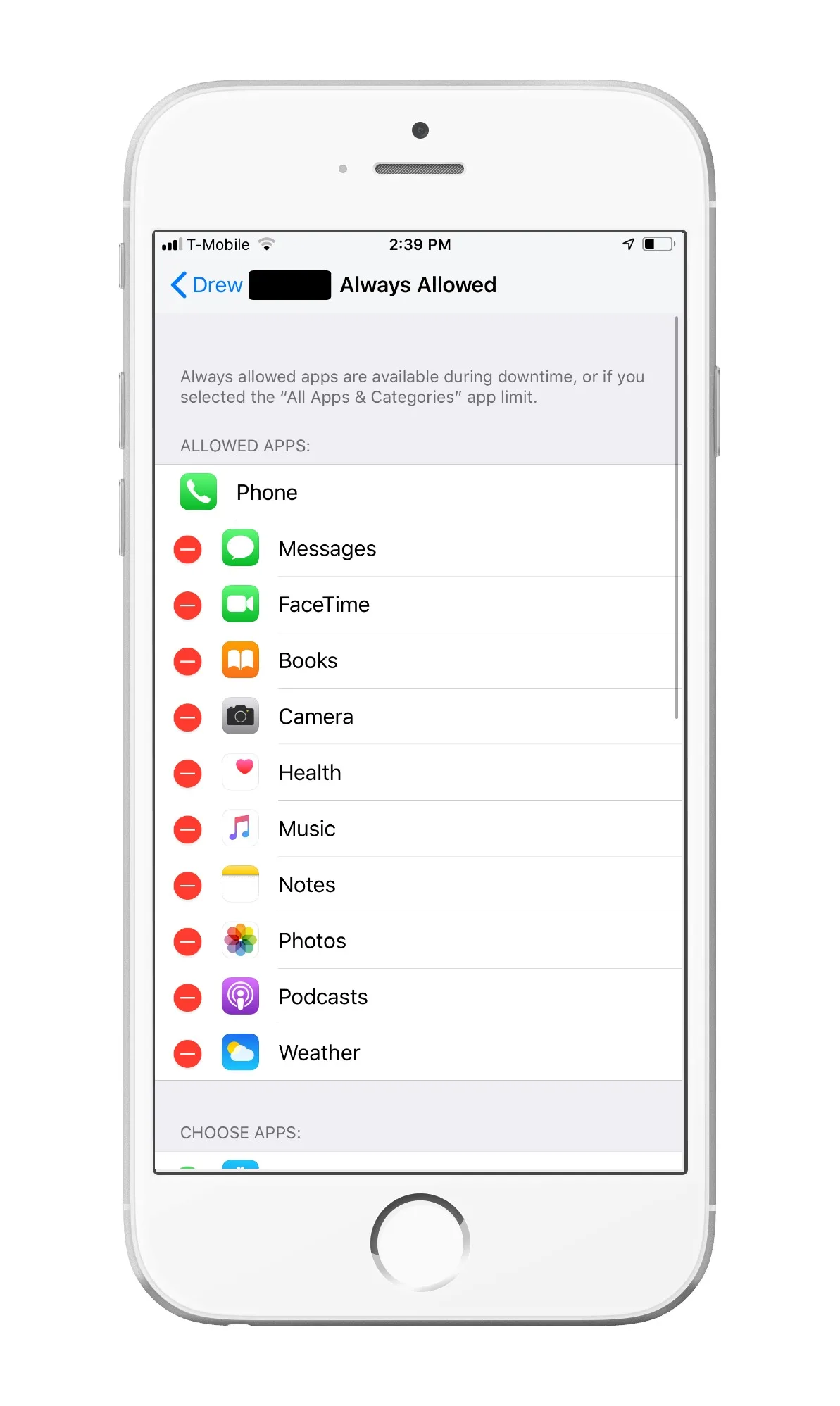
5. App-based screen time management
Time for a detox?
We've had several parents in our Out Tech Your Kids Facebook Group ask us about doing a summer screen detox, so we wanted to share Kristen's own experience with doing a summer screen ban. Her kids were off screens for two entire months, with the only screen time being television on Friday nights. You might be surprised at what she learned, and how her kids reacted. If that's something you're planning on doing this summer, you'll appreciate her advice. You might also check out Catherine Price's book "How to Break Up With Your Phone" and listen to our interview with her on a recent Spawned Parenting Podcast. Her science-based insights and tips might be what you need to help you and your family untether yourselves from your phone.*****
Be sure to check all the articles in our Ultimate Guide to Digital Parenting for more answers to parents' top questions.
Filed Under:Android appsapps for parentsguide to digital parentingiOS appsparentingScreen Timetips and trickswebsites for parents
Note: This is imported sample content. Original source.