Google Kids Space: A new, exciting way to help kids discover, create, and grow.
November 4, 2021•6 min read
This is a sponsored post on behalf of Google
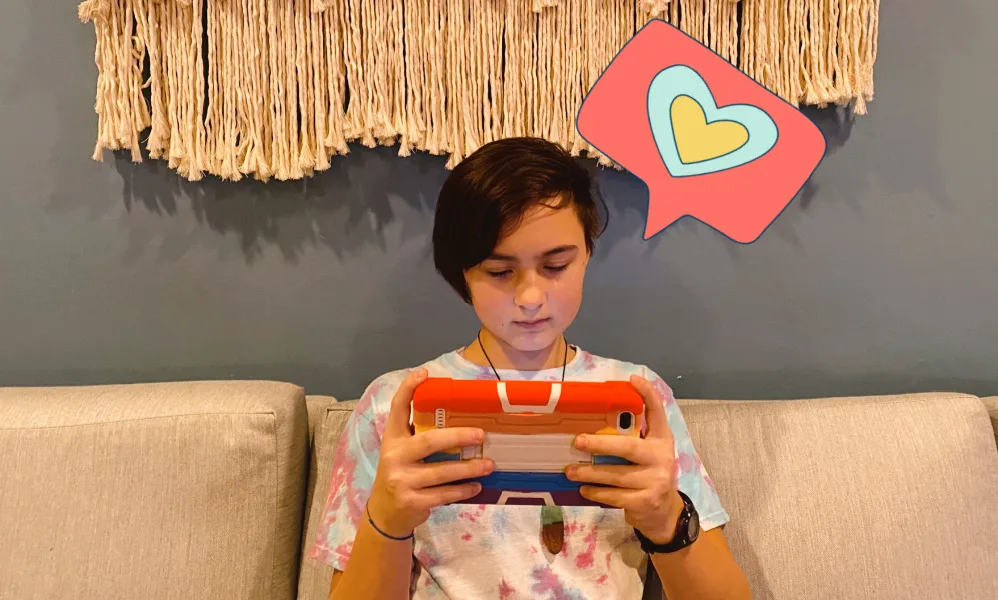
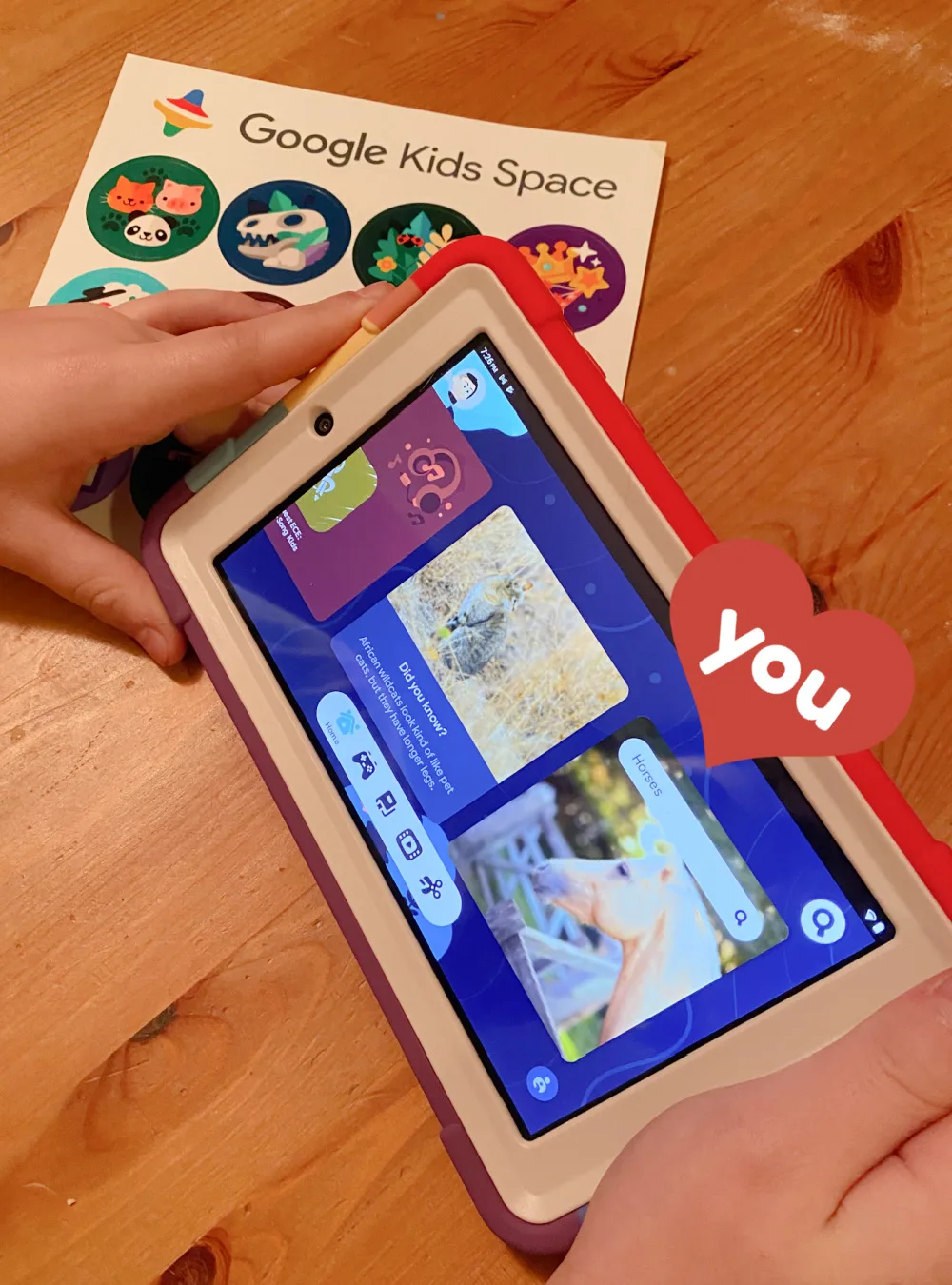
Raising digital natives who are curious about the world around them can be challenging for parents. From keeping up with their ever changing interests to encouraging their creativity, parenting kids who are constantly discovering and growing along with technology can be difficult. That's why I'm always glad to find technology that makes learning fascinating and exciting for kids, all while making our jobs as parents, a whole lot easier (and we hope, more affordable), which is also why I'm so excited that we're teaming up with our sponsor *Google Kids Space, who's doing just that! It's a kids mode on select Android tablets that's filled to the brim with amazing thoughtfully-chosen content for children, all starting at just $59 (for the tablet and Google Kids Space full loaded). Pretty awesome, right? I was pretty thrilled to get a first-hand look at Google Kids Space with my own daughter, to try out all the awesome features, and see what all the buzz is about. So let's get started!What is Google Kids Space?
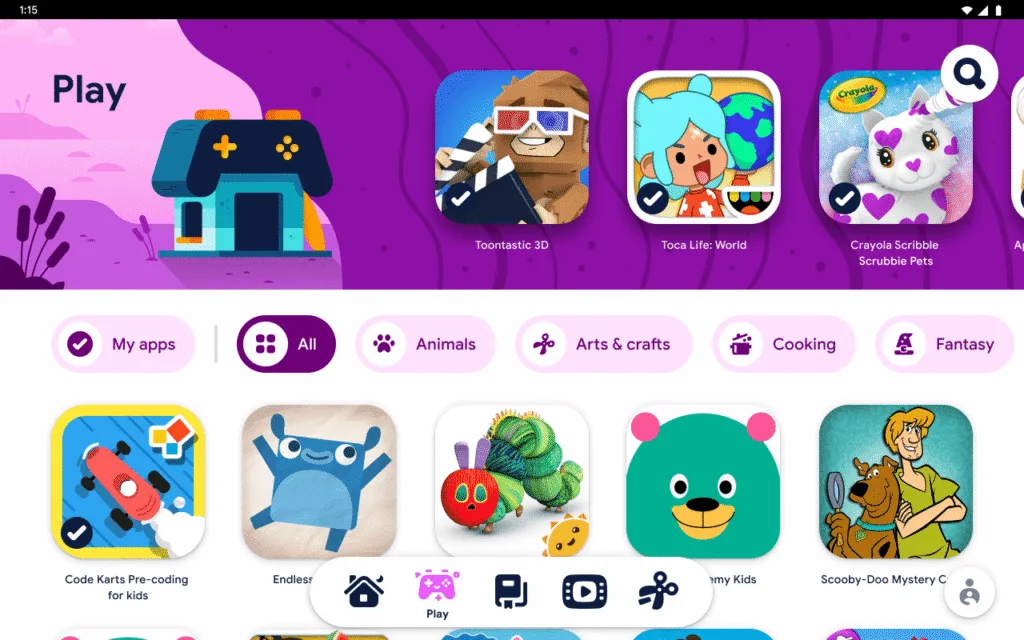
Put simply, Google Kids Space is a kids mode that's already loaded up on select Android tablets. That means, it's still an actual tablet, but there's tons of amazing content, like apps that are carefully vetted by children's education and media experts, that kids will love. They've done a fabulous job designing it to spark curiosity and creativity, as well as explore their interests and passions through a library of quality content including apps, games, books, and videos.Google Kids Space: Getting set up!
Google Kids Space: Let's talk about the 5 tabs
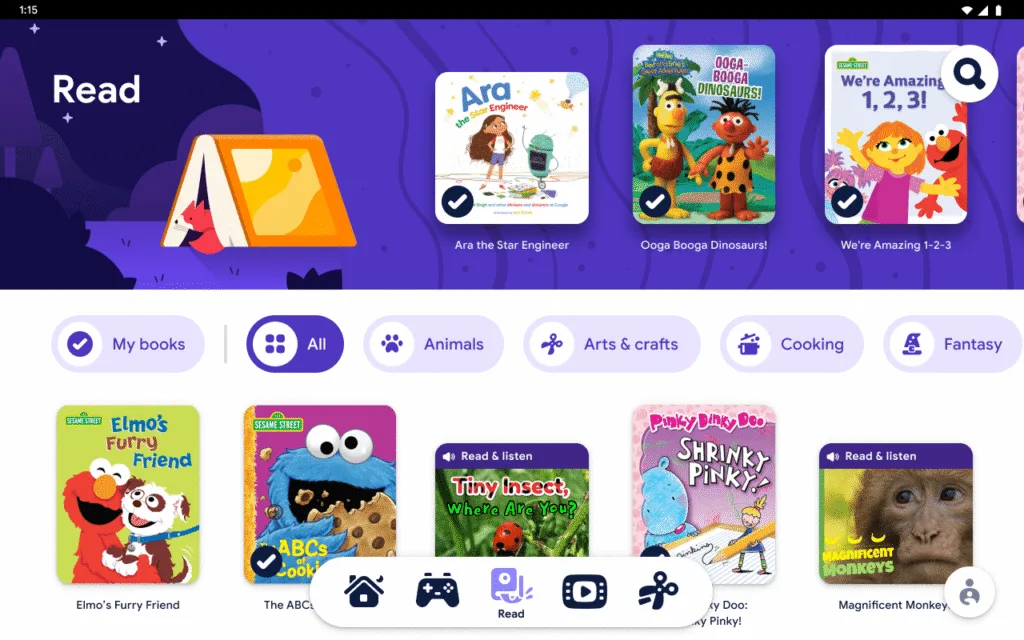
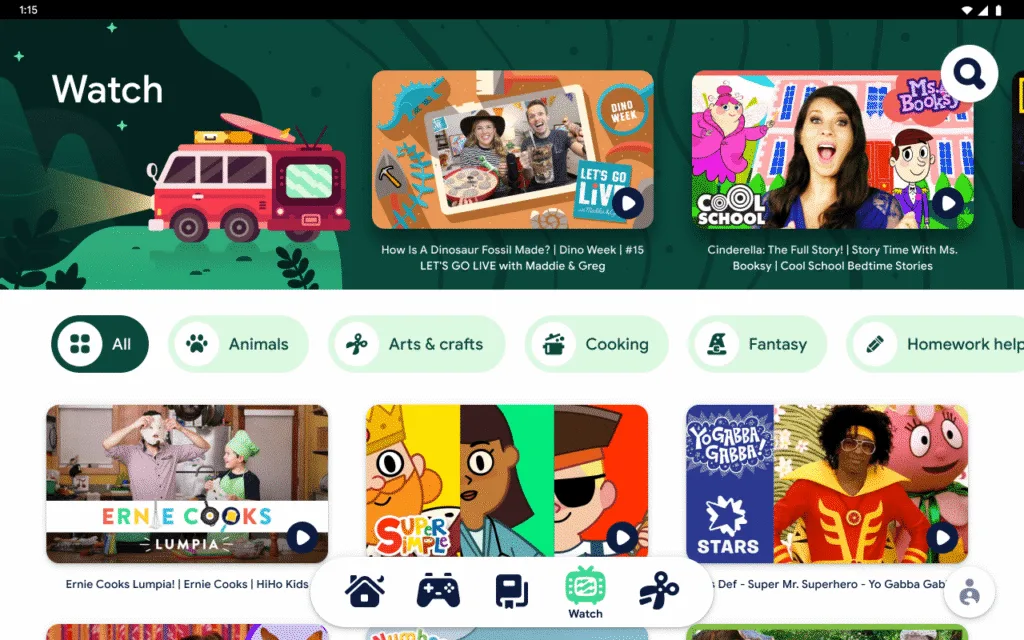
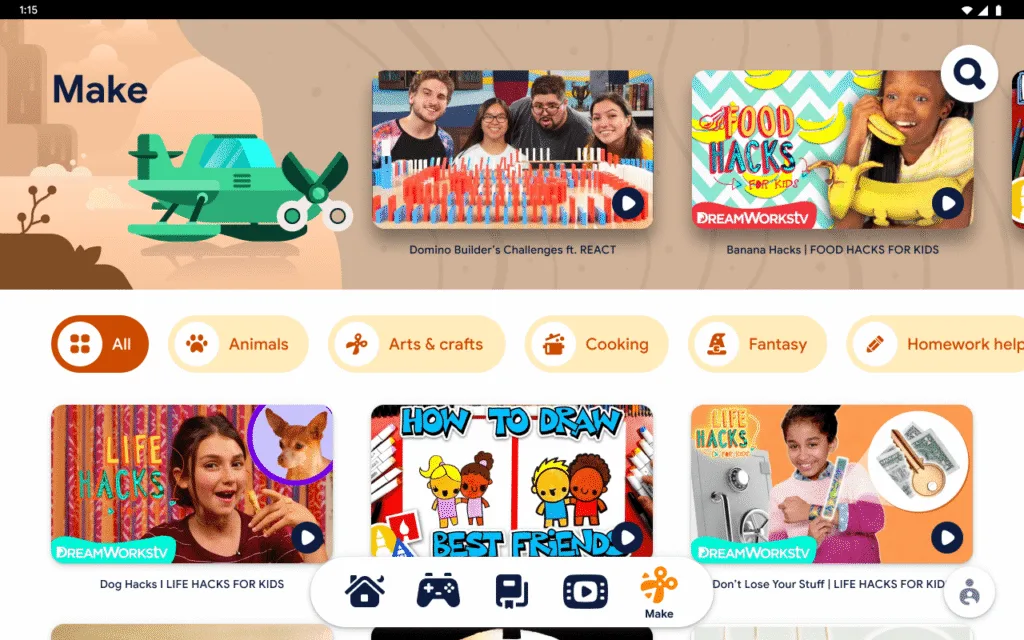
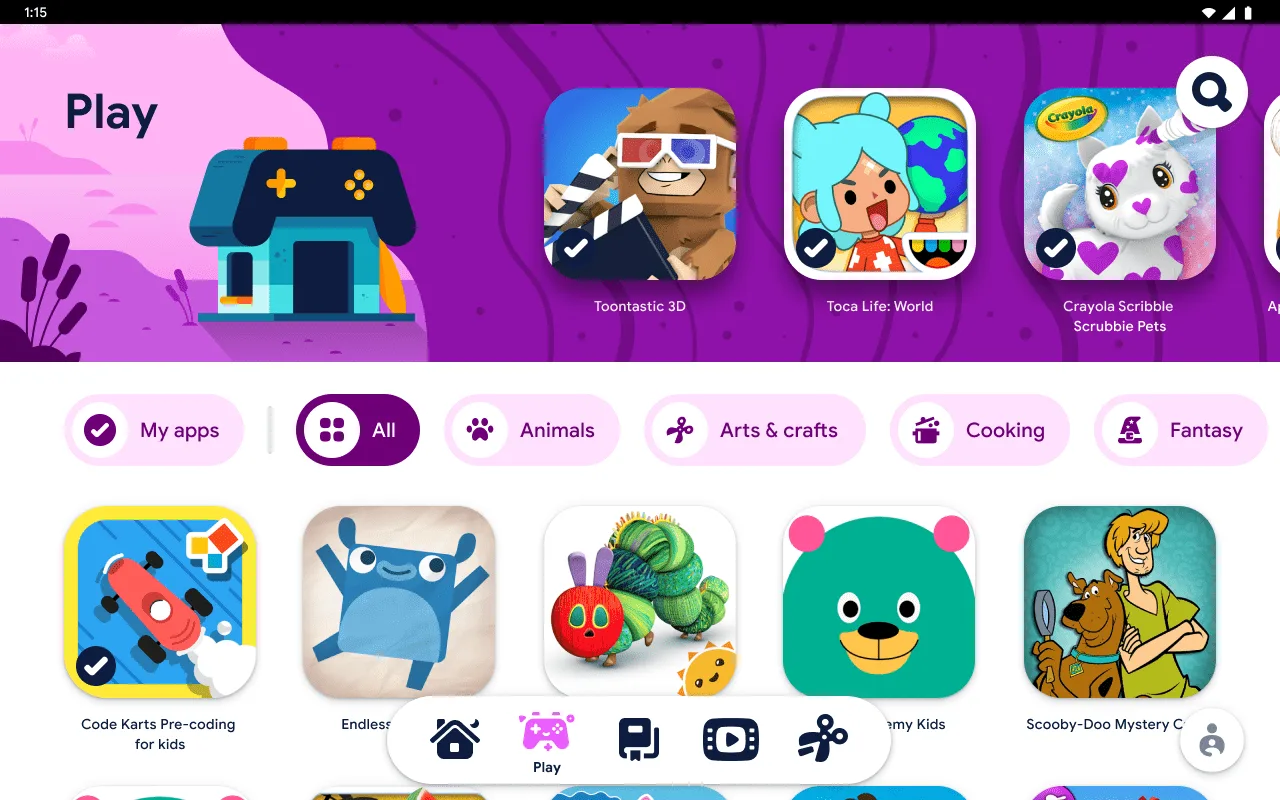
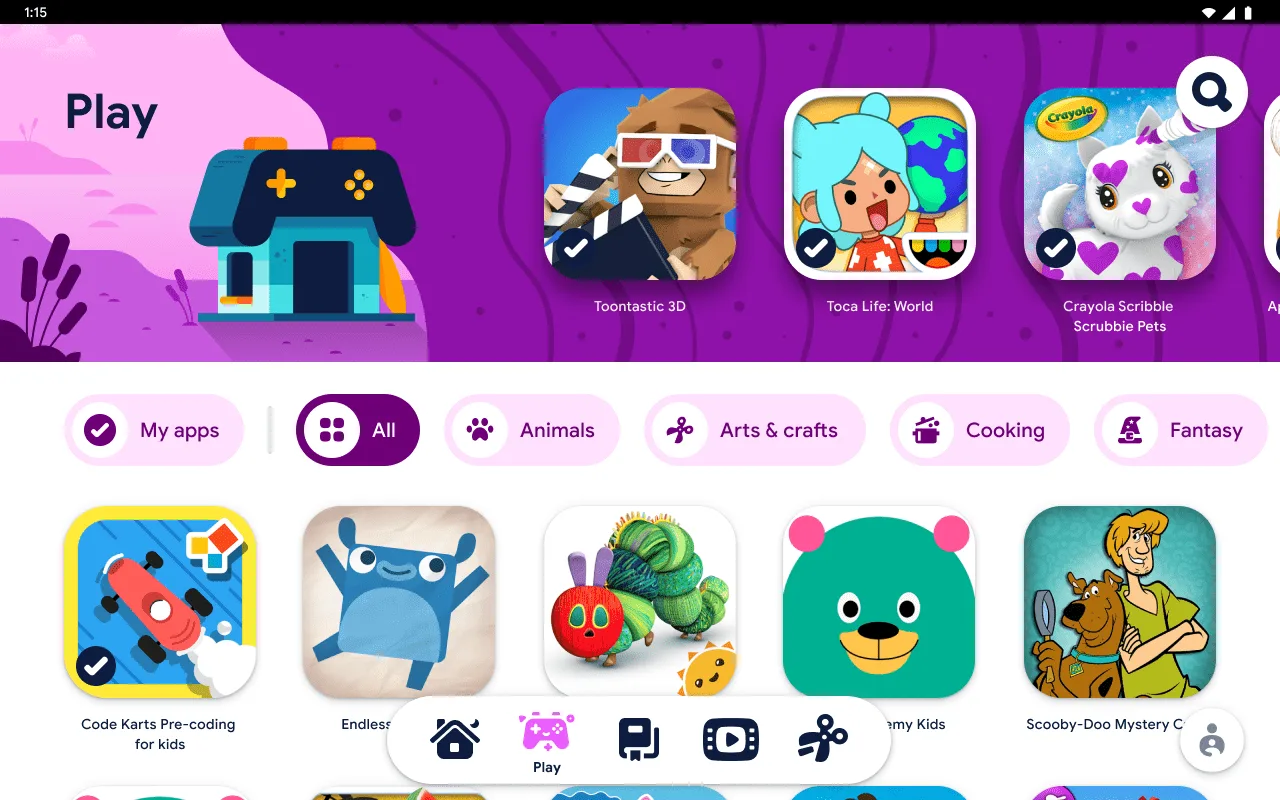
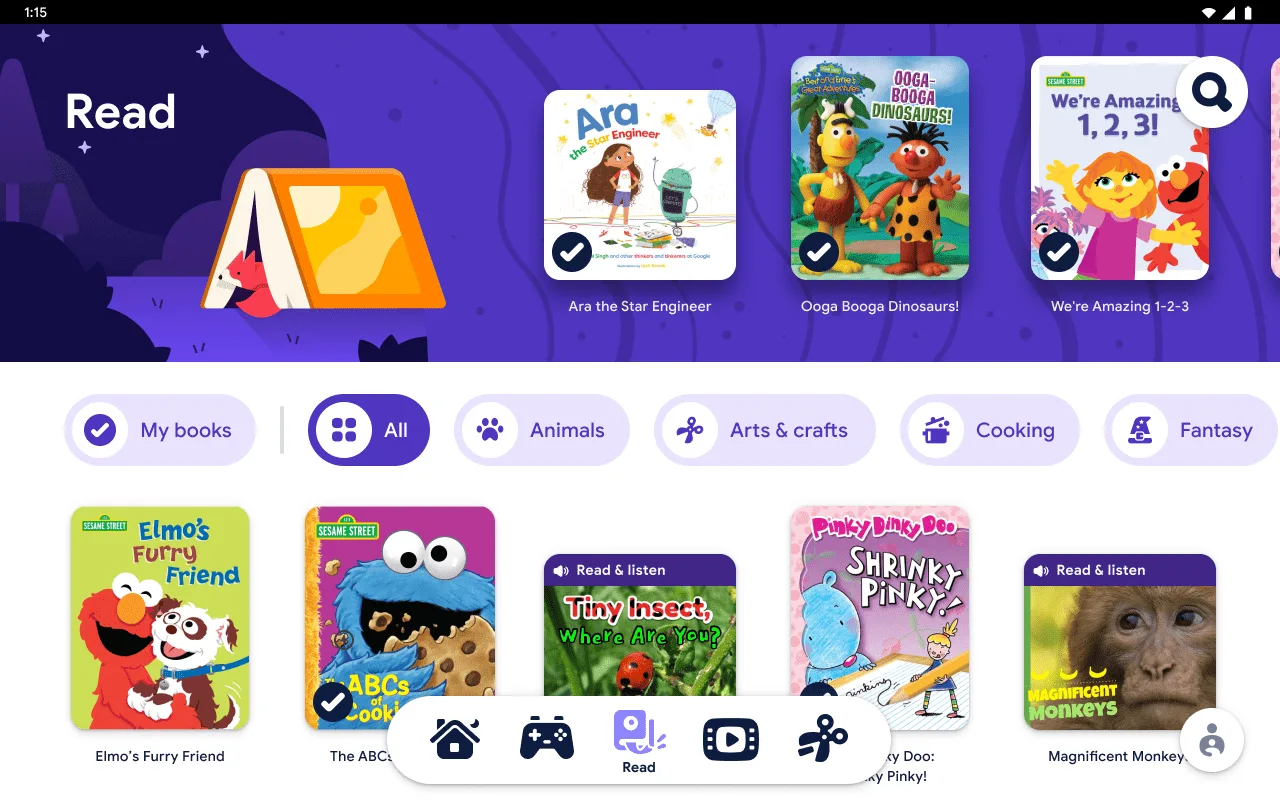
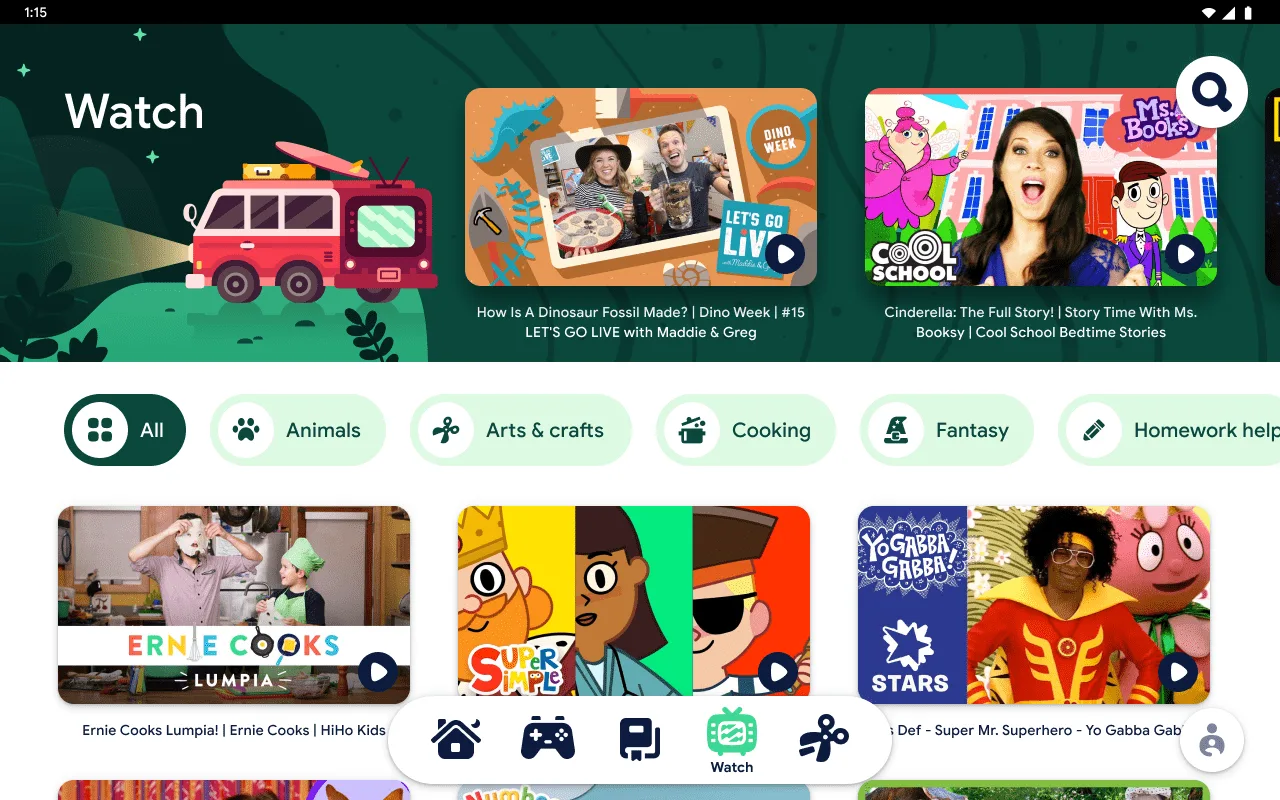
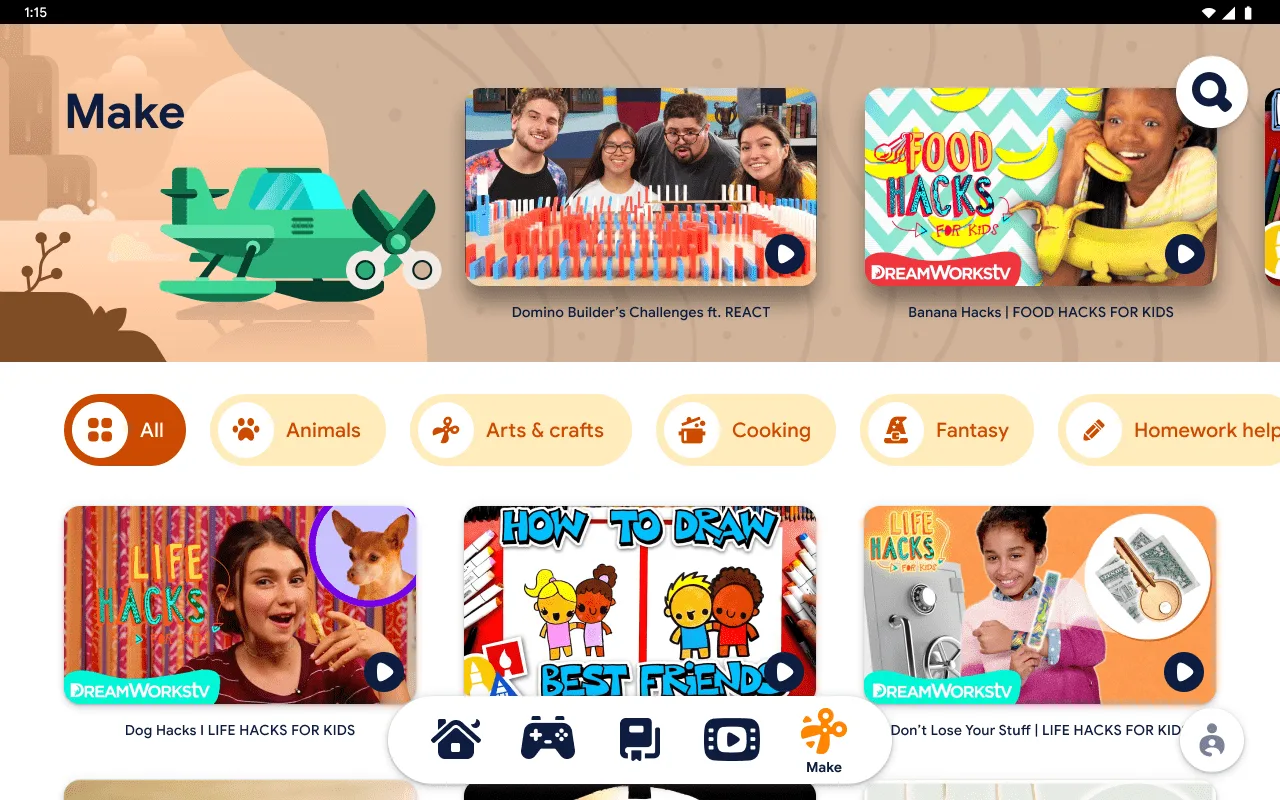
You'll notice right away that there is a ton of content, that's carefully categorized in five different tabs: Home, Play, Read, Watch, and Make. Here's a brief overview of the tabs, some of which might be a little obvious, but others, not so much!Home Tab
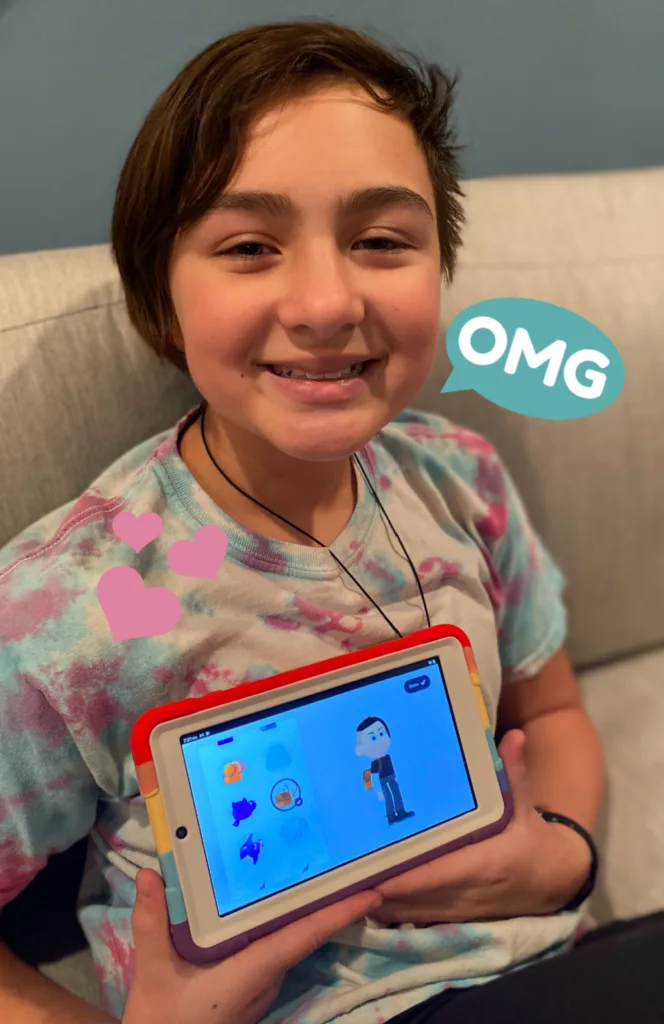
In the Home tab, your kids can access select recommendations from all the tabs, along with kid-friendly jokes and fun facts. This is also where they set up their special character. Since writing this, I'm pretty sure my daughter changed her character about 10 times! Kids really enjoy customizing their tablet to themselves, which makes sense considering how much we care about our own profile photos, right?Play Tab
Read Tab
Watch Tab
Make Tab
Google Kids Space: Parental controls that work
Parental controls are a big deal to me, and I know I'm not alone. New gadgets mean more work for parents, whether it's making sure they're engaging with appropriate content or that they're not spending too many hours doing the same thing on their screen. Using the Family Link app from Google, you can do everything from manage screen time, to decide which apps can be downloaded, and yes, even find the device when they're on the go. It's all built right into the tablet or accessible through the Family Link app, so you don't need to worry about needing extra help for any of those immediate issues that often accompany new technology in your household.Google Kids Space: The bottom line
With a plethora of amazing content for kids, along with a healthy suite of parental controls, Google Kids Space is going to make a lot of kids and their parents very happy. And because it starts at just $59, I hope this means that more families can have access to technology, which has become an important part of their learning, growing, and thriving in a digital world.Learn more about Google Kids Space and where you can purchase an Android tablet with Google Kids Space on their website.
This was a sponsored post for Google. *Kids Space requires a Google Account for your child. Parental controls require the Family Link app on a supported Android, Chromebook, or iOS device. Books and video content not available in all regions. Video content subject to availability of YouTube Kids app. Books content requires the Play Books app. Availability of apps, books, and video content may change without notice.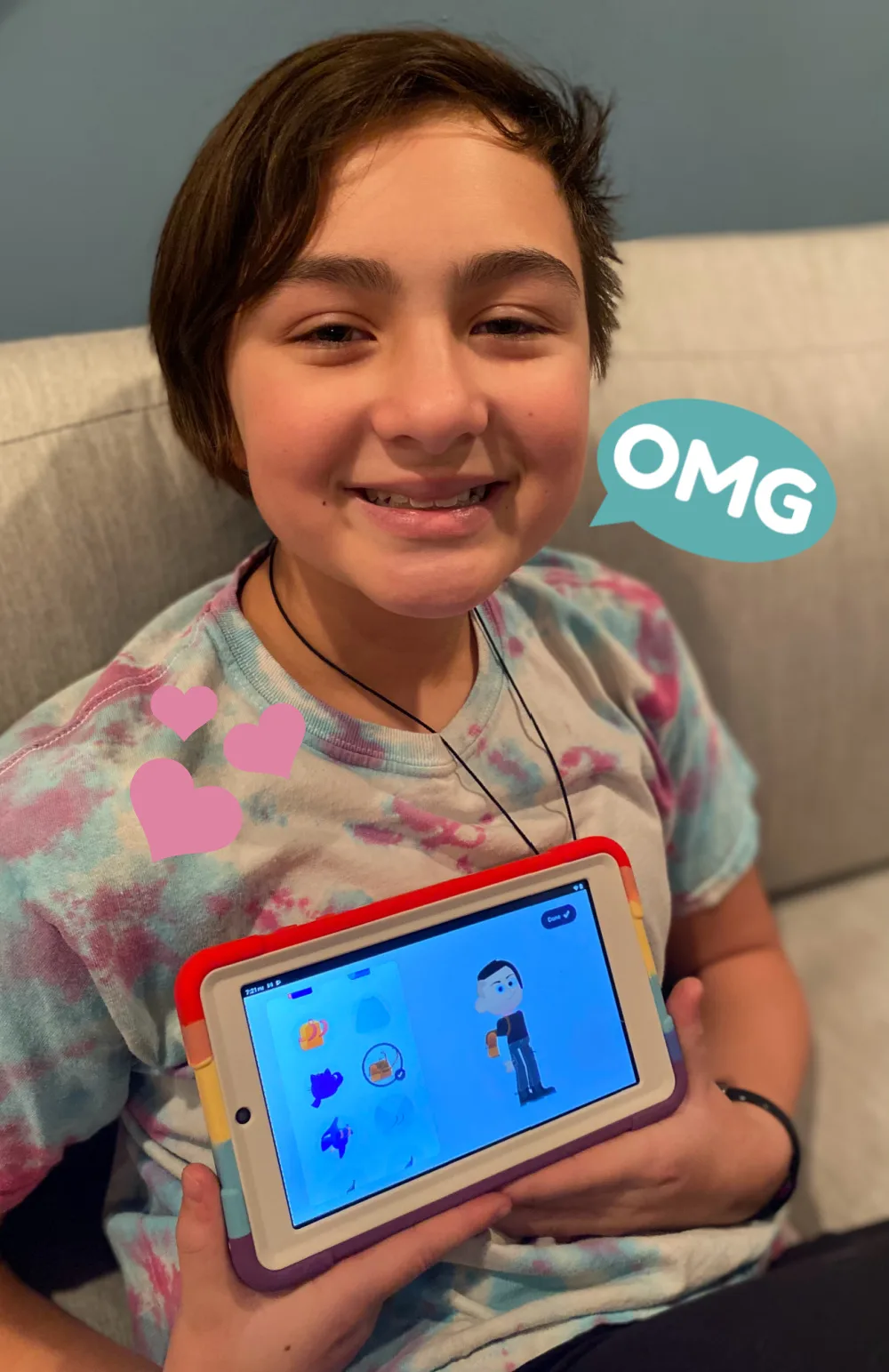
Filed Under:gifts for kidsGoogleGoogle Playholiday gift ideasholiday tech giftsiPads + Tabletskids' tabletstablets
Note: This is imported sample content. Original source.