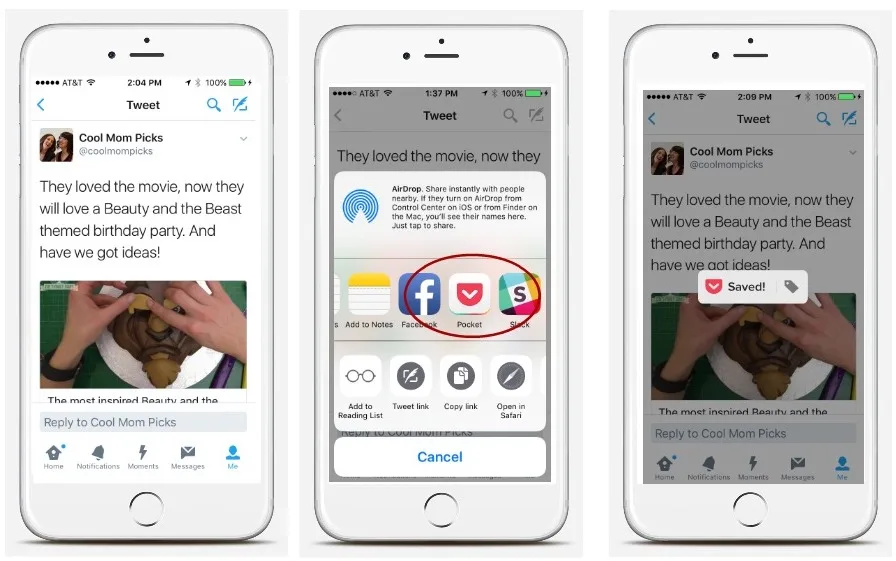
The Pocket app helps you save and read your favorite articles to you

Liz has raved about the Pocket app for years now, and for good reason. It's a super handy app that lets you save your favorite articles, recipes, even tweets so that you can read them later. But, you know, how much time do we all have to…

July 24, 20191 min read
How to use the Pocket app to save and read your favorite articles to you
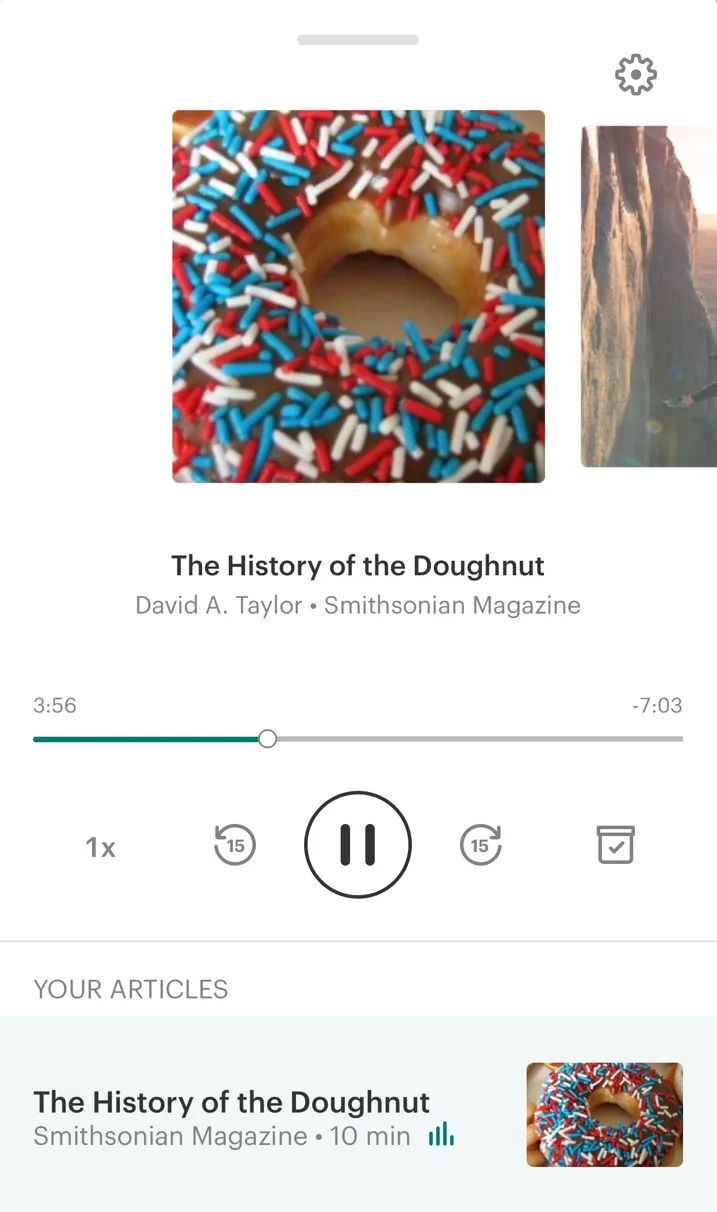
Liz has raved about the Pocket app for years now, and for good reason. It's a super handy app that lets you save your favorite articles, recipes, even tweets so that you can read them later. But, you know, how much time do we all have to read them later? That's why we were pretty excited to learn that the Pocket app will actually read everything to you.

Related: How to use the Pocket app to save your favorite articles 
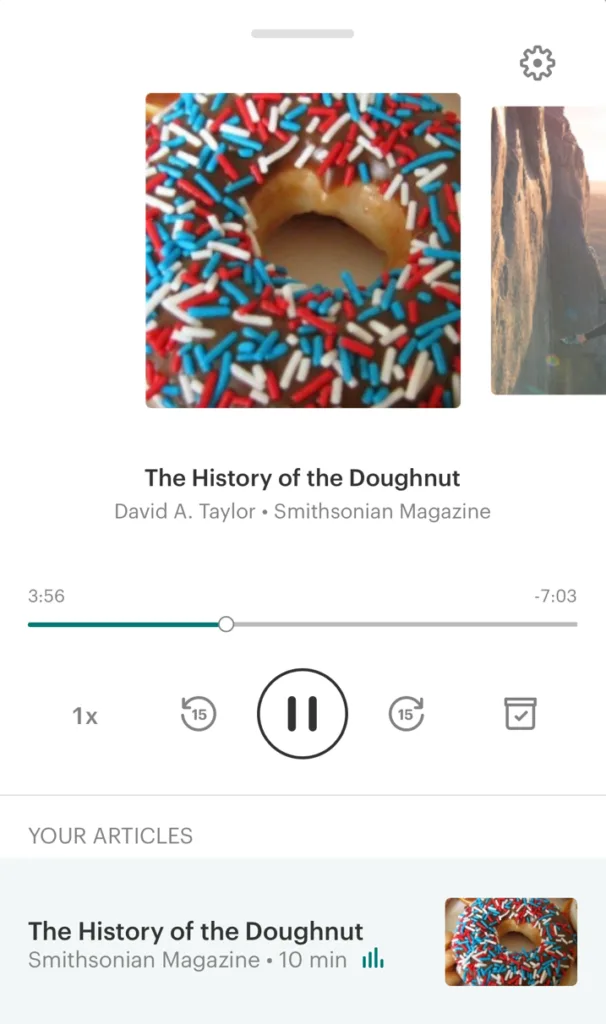
How to use the playback feature on Pocket

Once you're in the app and have chosen the article you want to listen to, just click the headphones button and Pocket will do the rest. And yes, you can even use it to listen through Amazon Alexa. Pretty sweet, right? If you head over to Pocket's website, they've got specific instructions for whatever operating system you're using, though rest assured, it's extremely easy to use. This way, if you need a little break from podcasts (like Spawned, perhaps?) or audiobooks, you can listen to your favorite saved articles that you've been trying to read forever. Middle photo via Pocket
How to use the playback feature on Pocket
Note: This is imported sample content. Original source.
The Weekly Pick

One tested product, every Thursday

No roundups, no fluff. Just the thing we'd actually buy for our own kids.

More in Uncategorized