iPhone trick: How to mute text threads (but still get notifications for your other texts)
September 21, 2018•1 min read
Lately I discovered how to mute text threads on my iPhone, and let me tell you, it's been a productivity game changer. Because as much as I love a raucous group chat once in a while, I don't accomplish much when I have notifications popping up on my phone and computer literally every two seconds.
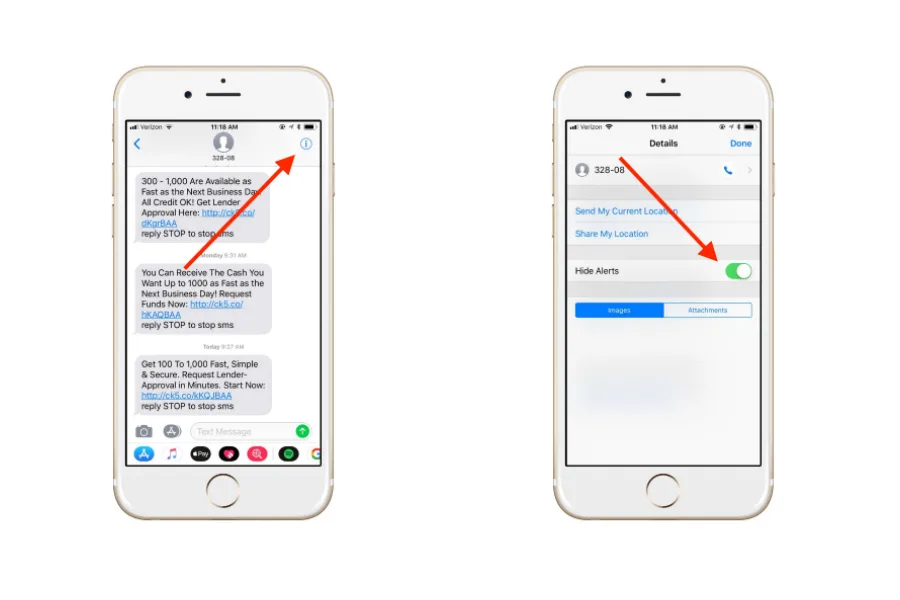
So! Here's how to mute the text threads you want--looking at you automated messages--and still get notified of your other important texts.
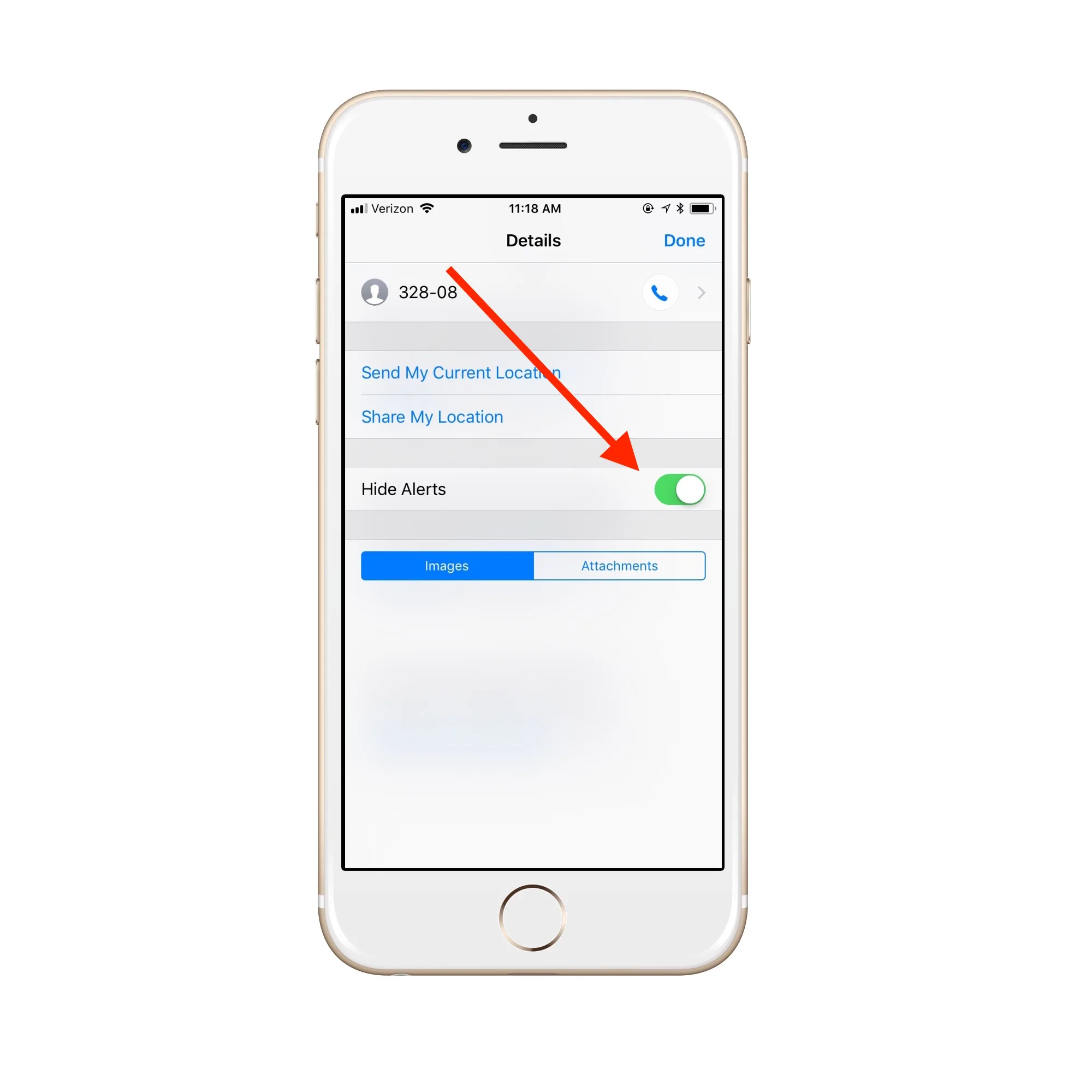
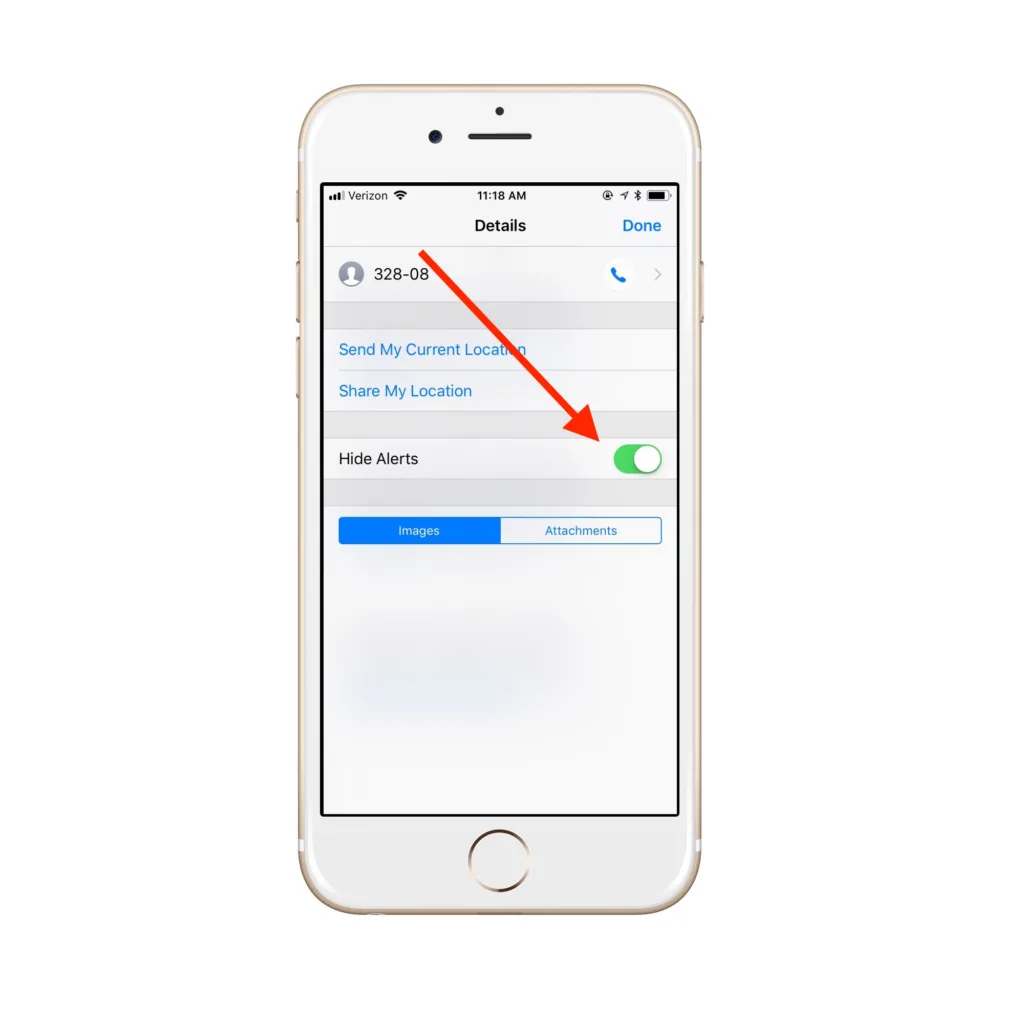 4 Tap "Hide Alerts."
5. Done! If you've done it correctly, you should see a moon icon by the muted thread when you open Messages. When you get new texts on this thread, you'll still see a blue dot by the conversation, but you won't receive notifications. Because you're not the boss of me, carpooling group text!
4 Tap "Hide Alerts."
5. Done! If you've done it correctly, you should see a moon icon by the muted thread when you open Messages. When you get new texts on this thread, you'll still see a blue dot by the conversation, but you won't receive notifications. Because you're not the boss of me, carpooling group text!
Related: How to lock your notes in the Notes app
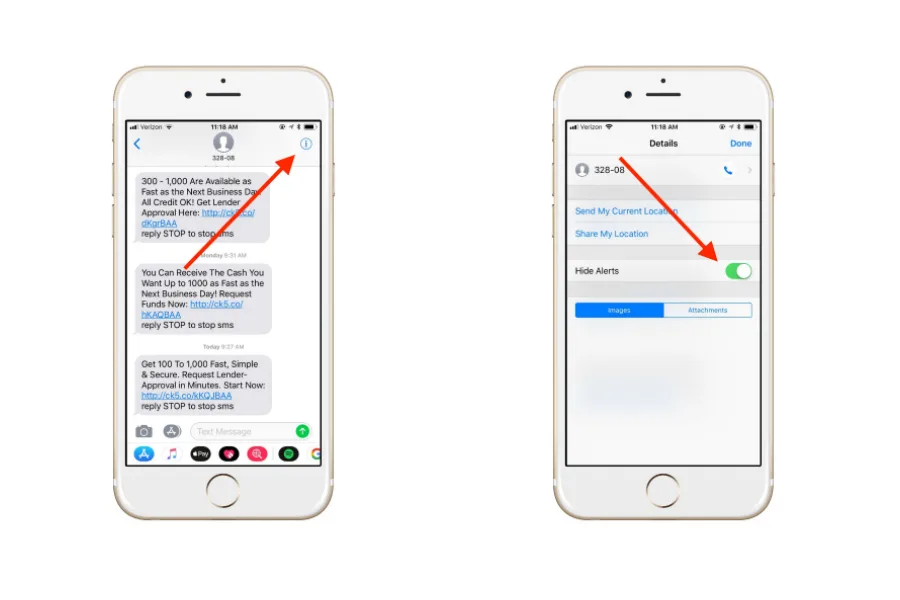
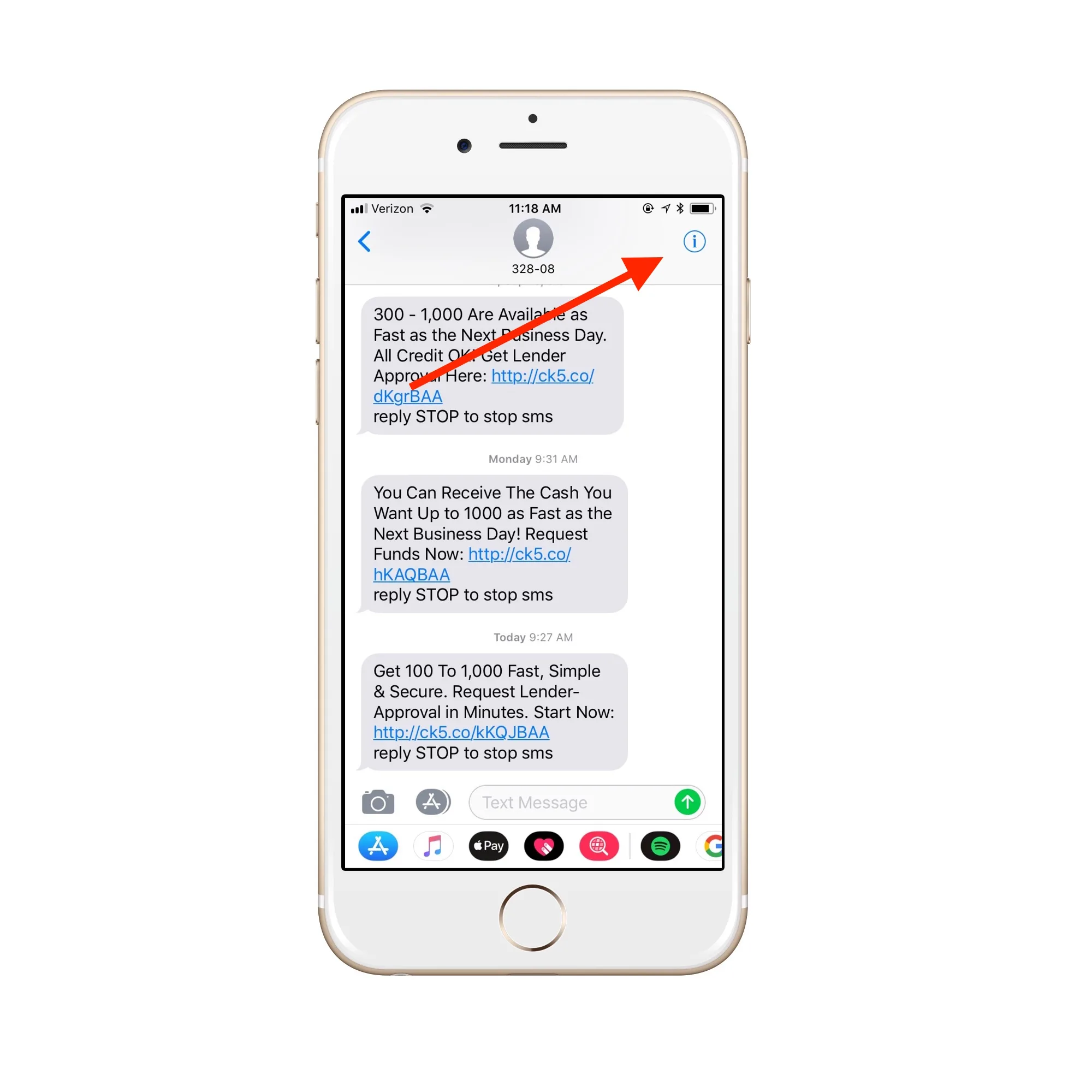
1. Open Messages 2. Open the text thread you want to mute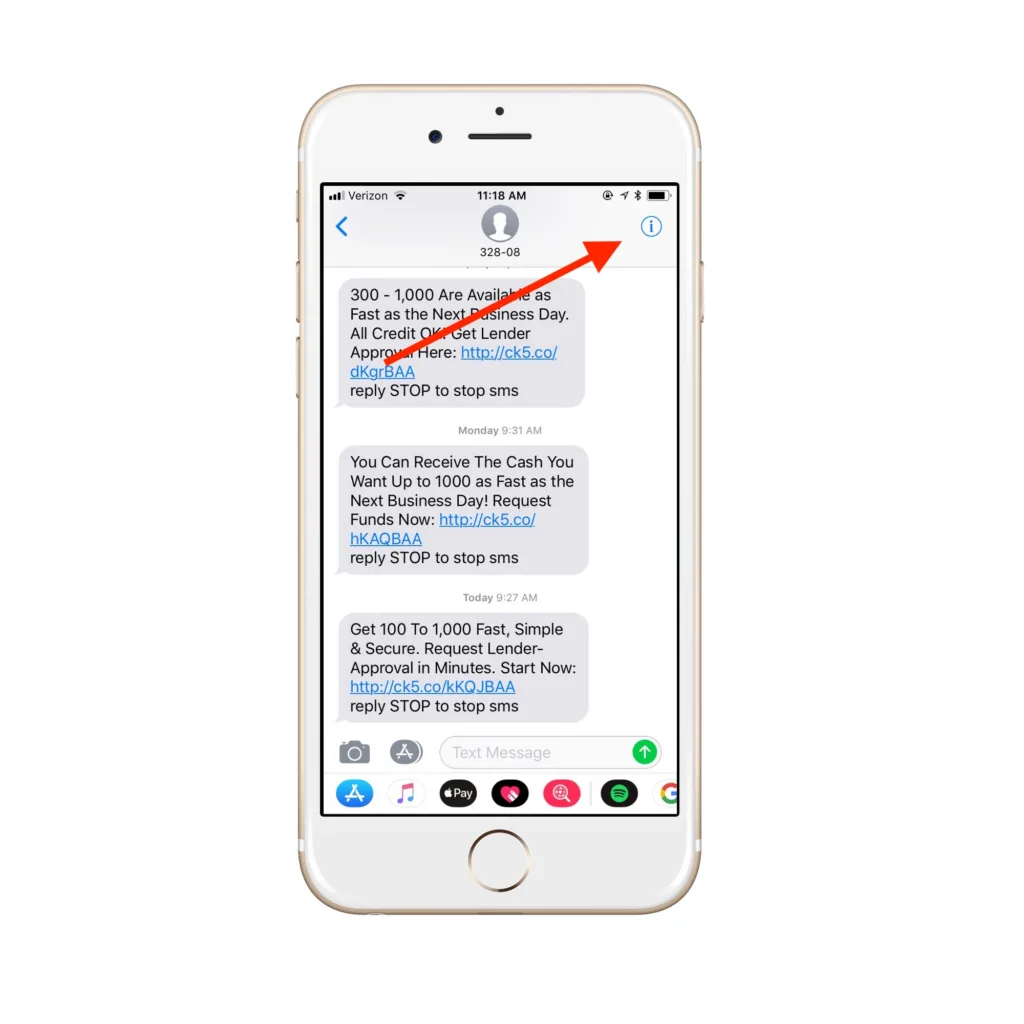
4 Tap "Hide Alerts."
5. Done! If you've done it correctly, you should see a moon icon by the muted thread when you open Messages. When you get new texts on this thread, you'll still see a blue dot by the conversation, but you won't receive notifications. Because you're not the boss of me, carpooling group text!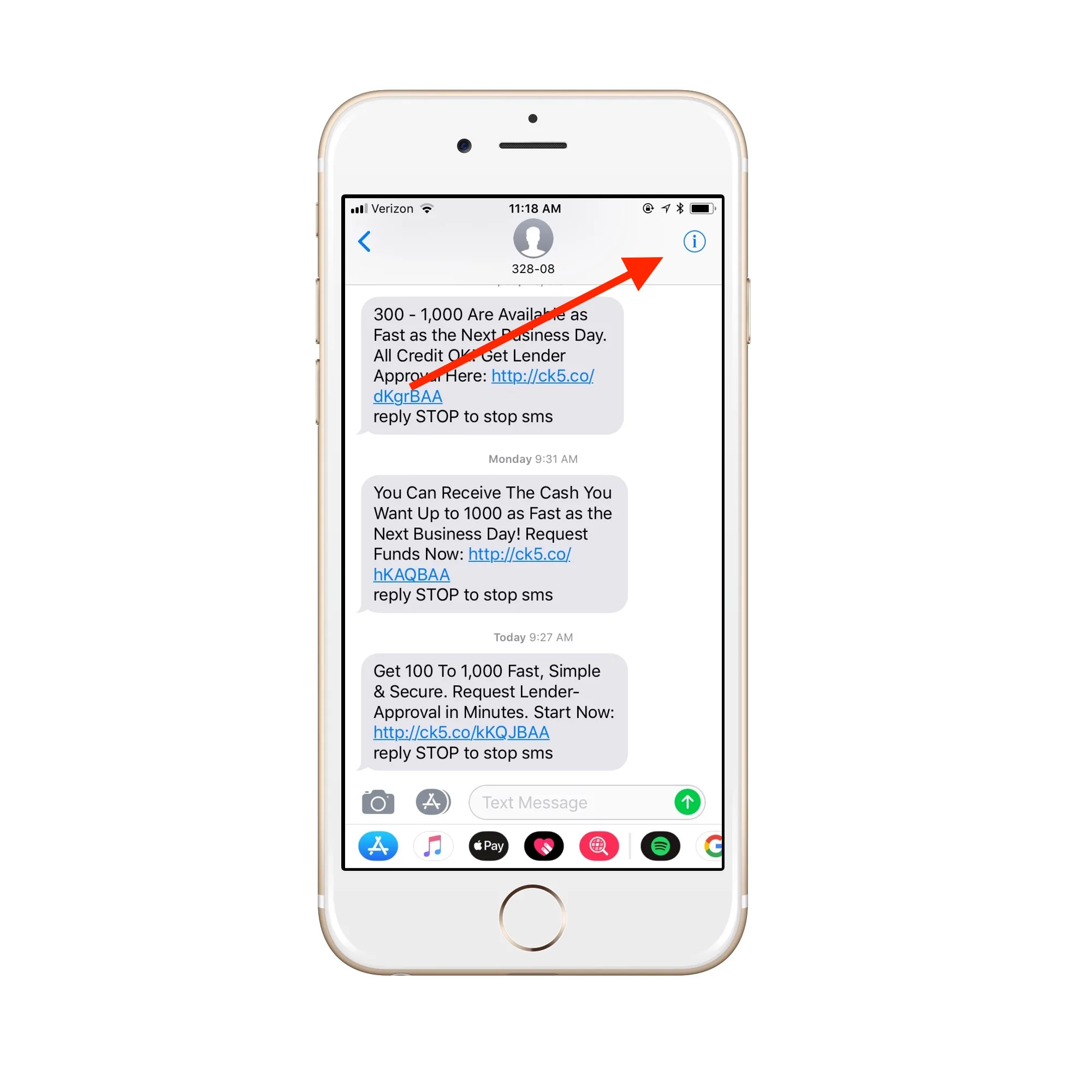
Note: This is imported sample content. Original source.