Start the year off with organization: 20 tech to-dos to knock off your list!
January 3, 2018•5 min read

If you're like us, then you've got a ton of fingerprints on your computer and way too many photos on your smartphone. But to start 2018 with a clean slate (or at least, a clean screen), we're sharing 20 tech to-dos to help you get more organized before the year gets away from us all.
While some might take a bit longer than others, if you're able to tackle one every other day or so, you'll be at a fantastic starting point for the rest of the year -- and all those photos you know you're going to take.
Related: 10 things to knock off your tech to-do list right now
Organize apps on your phone. Simply drag two related apps together on your iPhone (like Instagram and Facebook) and you'll start a folder. Then, add other similar apps. Done. Delete photos. Photo organization can be an overwhelming task, so break it up into a few steps. First, just go through your photos and delete the ones you know you don't need on there. That's it.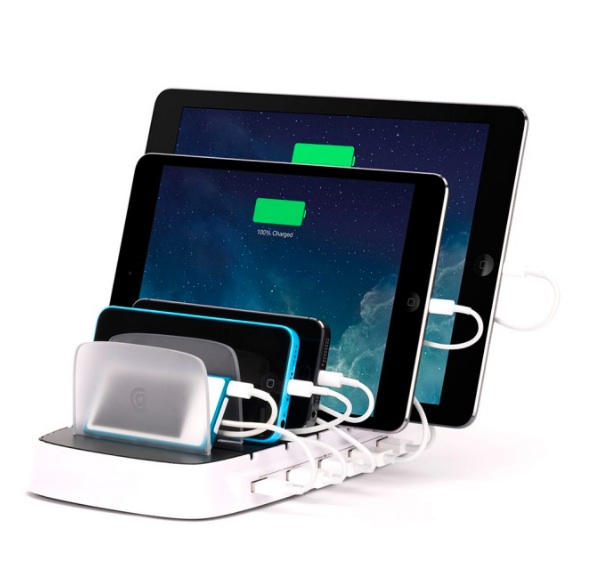
Related: Smart tips to help you tackle digital clutter
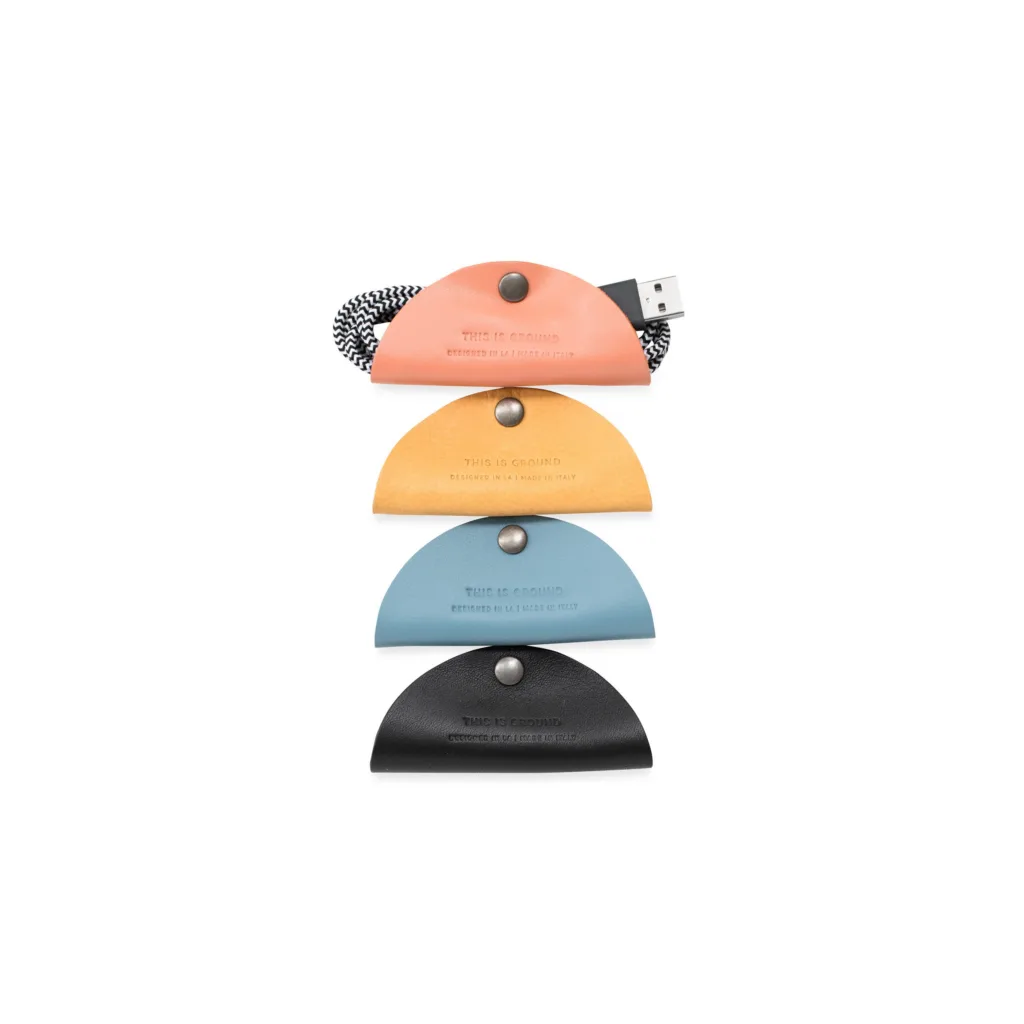
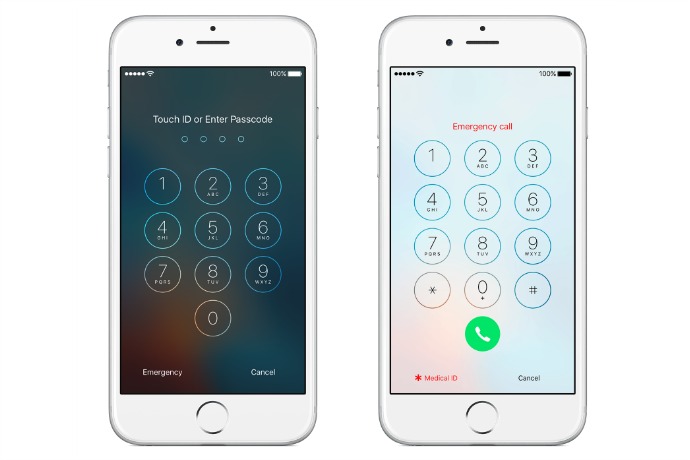
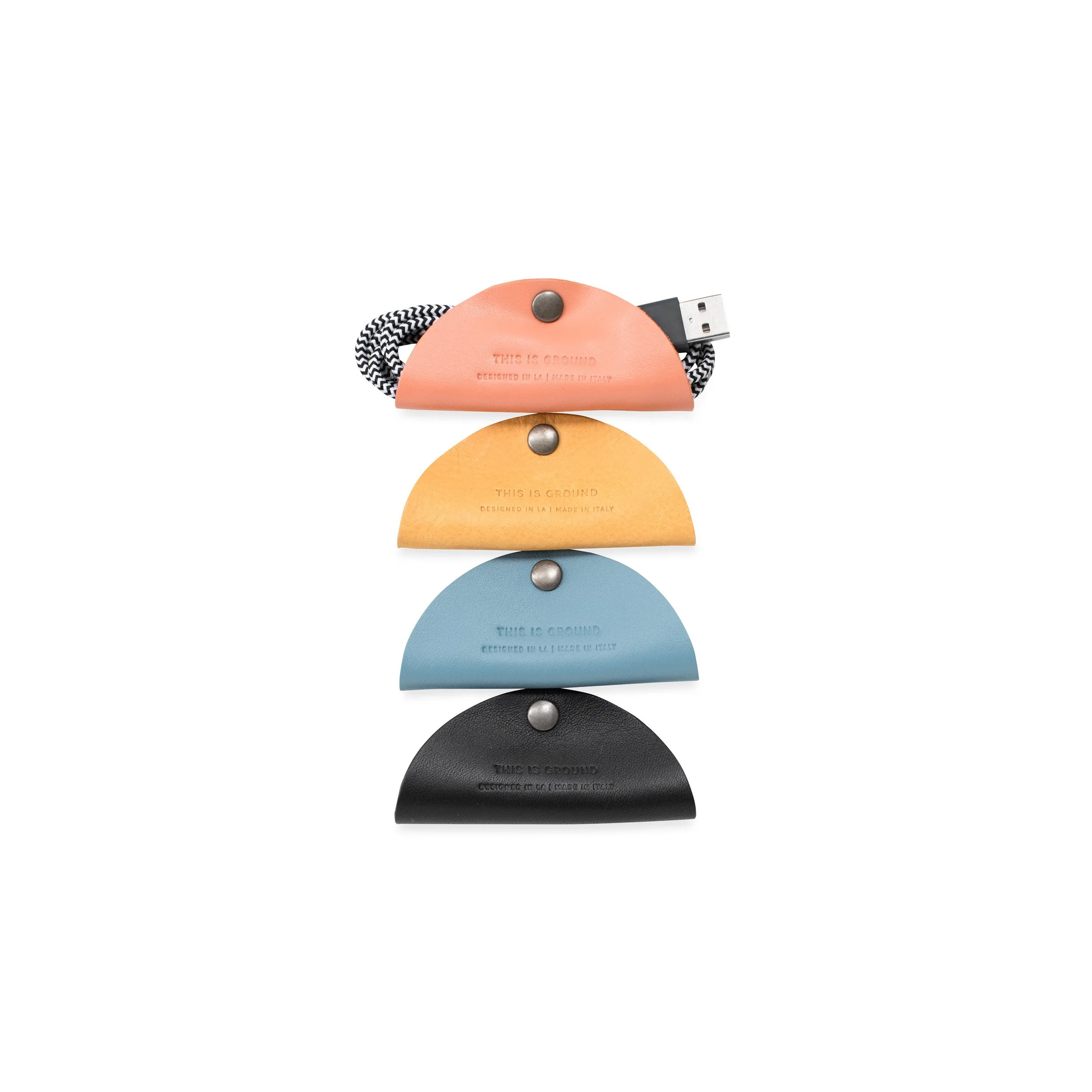
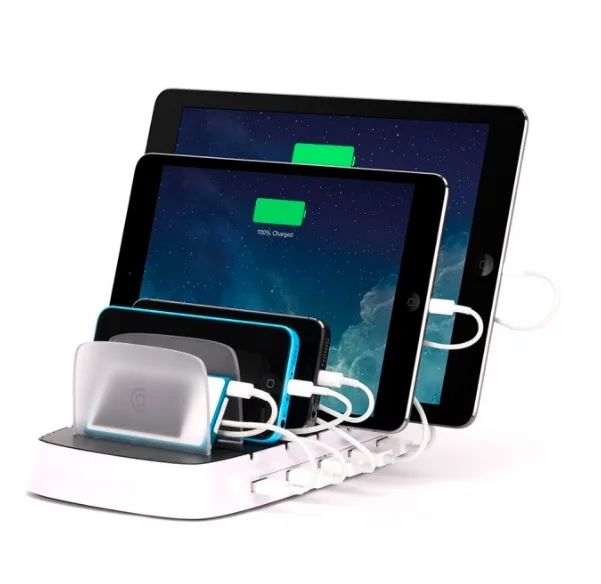
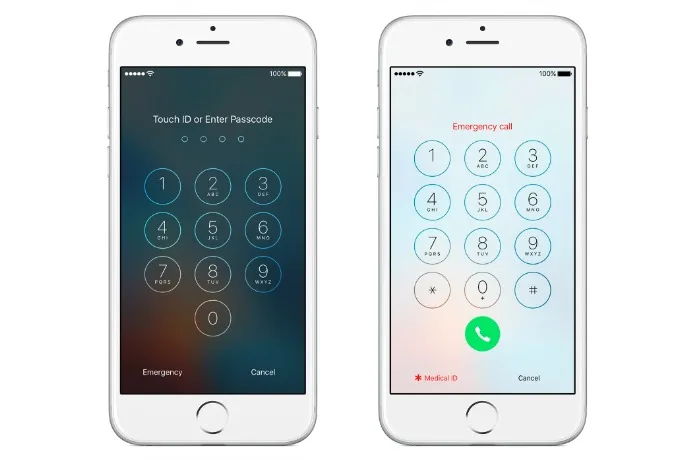
Organize your cords. You don't need fancy gadgets to organize all your cords and cables, but they do help (and they're pretty affordable). we love the cord tacos from This is Ground. Clean out your inbox. We love unroll.me to help cut down on unneeded subscriptions in our inboxes. Just make sure you don't lose the Cool Mom Tech newsletter! Back up your devices. Plug your phone and tablet into your computer to ensure all your data is backed up. Check your passwords (and change them). The new year is a good time to reset passwords. We've started using 1Password with a lot of success, but it does take time to set up. Trust us, though. It's worth it. (We love it so much, they're now an affiliate. Seriously, give it a try -- it's a lifesaver!) Check your social media privacy settings. Now's the perfect time to check your social media settings (especially Facebook). Check your notifications. My phone is set to receive no social media notifications, and I like it that way. If you're looking to give yourself a little break this new year, I suggest heading into your notifications on your phone and toggling them off (or on).Related: 15 things you should stop putting off and do right now
Note: This is imported sample content. Original source.


