A hidden iPhone safety feature that every person needs to know about.
November 29, 2017•2 min read
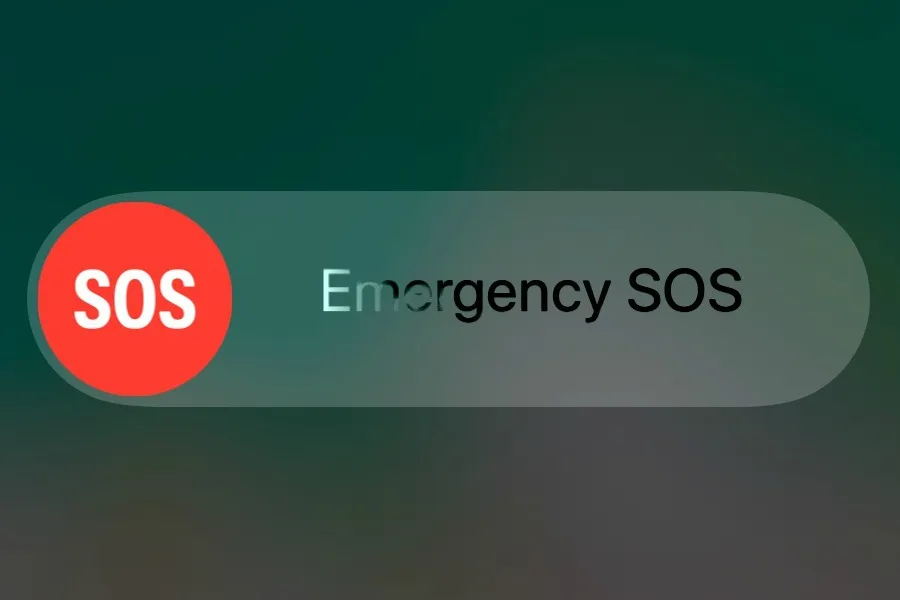
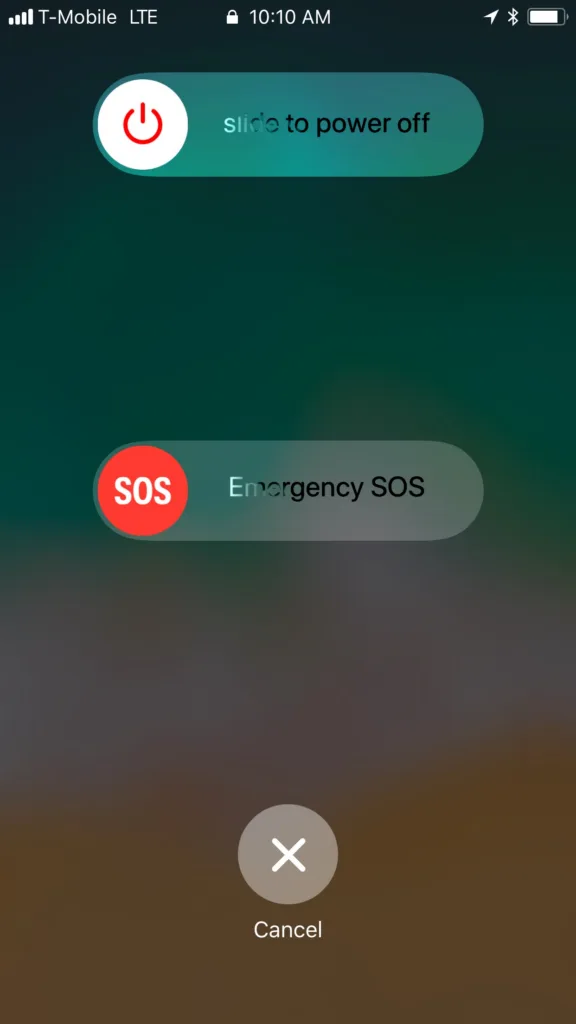
Even we here at Cool Mom Tech were surprised to learn about this hidden iPhone safety feature that could possibly help save lives. And while it's easy to activate, it's not something you would happen to do by accident, which is great for those of us with kids using our phones.
Related: Safety feature - How to add additional fingerprints to your Touch I.D.
If you've got an iPhone 7 or earlier, simply hit your iPhone lock button (the one on the top right) quickly 5 times, and then a screen will pop up giving you the option to send an emergency SOS signal. For those of you (like me), with an iPhone 8, 8+, or X, you will need to hold the lock button and one of the volume buttons at the same time for this screen to pop up.Related: How to set up Medical I.D. on your iPhone (and why you should)
Note: This is imported sample content. Original source.


