Here's why you need to stop force quitting apps on your iPhone right now.
If you're like me, then you've probably thought that force quitting apps on your iPhone or iPad (by tapping the home button twice and swiping up) would make your phone run faster and save your battery. Well, turns out that tip -- which I…
By Kate Etue
July 22, 2017•1 min read
If you're like me, then you've probably thought that force quitting apps on your iPhone or iPad (by tapping the home button twice and swiping up) would make your phone run faster and save your battery.
Well, turns out that tip -- which I've been following religiously since then -- is absolutely wrong. And in fact, it's eating up your battery.
Related: Do you know these 3 handy iPhone email tricks?
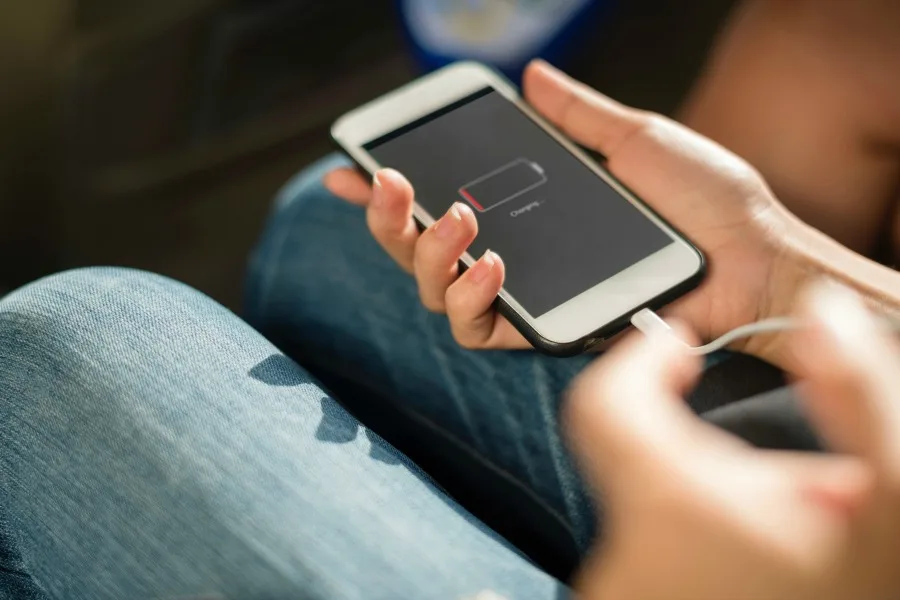
When you double-click the home button, you're actually accessing a navigation tool that's there to help you find apps you have recently used. These apps aren't running in the background; they're in standby mode. And relaunching an app that's in standby mode (by tapping it on the home screen or in the navigation panel) uses less battery power than force quitting and relaunching it. There's absolutely no need to swipe up to force quit when you're done, unless the app is actually misbehaving. Or, if you want to "clear your history" and ensure no one sees you've been playing Candy Crush when you said you were reading a book. But, who does that? Heh. Image via Rawpixel.com/Unsplash
Note: This is imported sample content. Original source.