How to back-up your Facebook photos so they won't be deleted
If you've been using Facebook's photo sync feature to back-up your photos, then you'll want to be sure to back them up. Why? Because if you don't do it by July 7, they will be deleted for good. Keep in mind that this only applies to Face…
June 13, 2016•1 min read
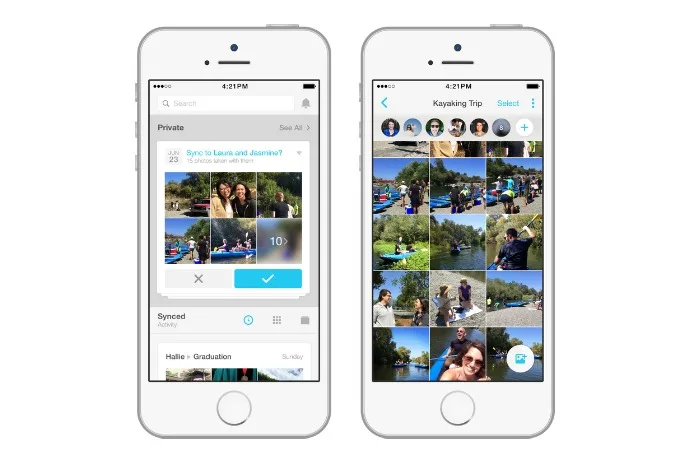
If you've been using Facebook's photo sync feature to back-up your photos, then you'll want to be sure to back them up. Why? Because if you don't do it by July 7, they will be deleted for good.
Keep in mind that this only applies to Facebook users who specifically use Facebook's special photo sync feature, which automatically backs up all your smart phone photos in a private album. If that's you, then you'll want to be sure to download their Moments App before their July 7 deadline, which will then allow you to keep all those photos and videos as they are. Photos and videos that were shared on your actual Facebook feed will be unaffected, whether you use the photo sync feature or not.
Related: 7 of the best photo storage options for families
If you're not interested in being forced into another new Facebook app, then you can download your synced photos as a zip file right to your computer. Then, consider another service, like Google Photos, that can provide auto back-up and sync if that's important to you. Whatever you decide, be sure to make that decision soon. July will be here before you know it.Note: This is imported sample content. Original source.


