It must be the week of class action lawsuit settlements. First with
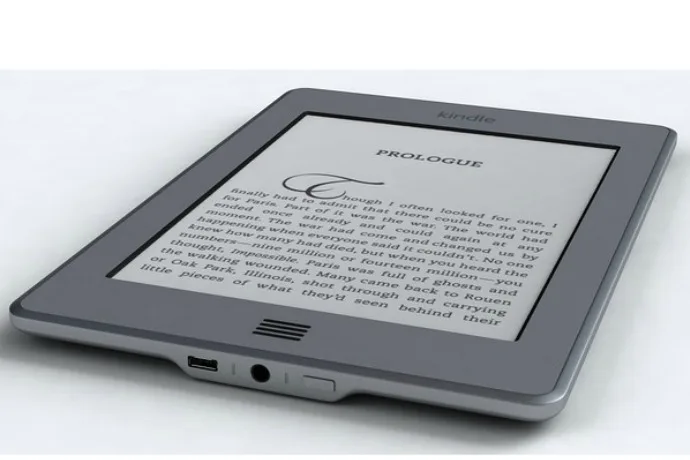
Ticketmaster, and now Apple, who's required to fund over $4 million dollars in credits to eBook customers. That means if you bought eBooks on Amazon between 2010 and 2012, you might have credit waiting for you in your account. We did!
Related: How to borrow free Kindle books: The ones you actually want to read
Here's how to check if you have Amazon credit from Apple
1. Head over to the
settlement website, and make sure you're logged into your Amazon account. If you're not, you'll be prompted to do so.
2. Then, see the credit you have available (I got almost $20!). You should have $6.93 for every New York Times bestseller and $1.57 for any other eBooks.
That's it! The next time you shop at Amazon, that credit (if you have one) will be automatically added. And hey, Barnes & Noble Nook users, this applies to you too, so be sure to check your account as well.
Did you have any credit? Tell us in the comments!