How to make an iPod Touch safe for kids
January 22, 2013•9 min read
[This post has been updated as of January 2014 to include new information]
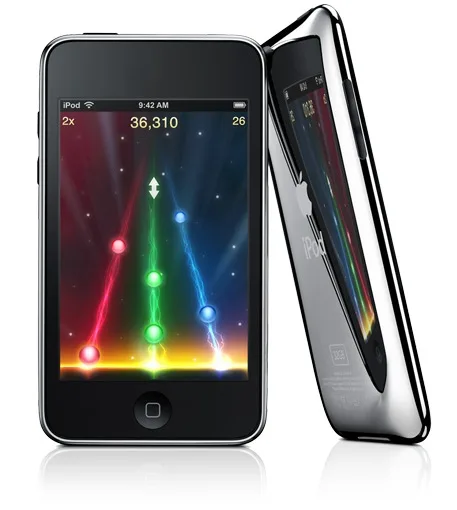
I'm pretty sure almost every one of my oldest daughter's friends got an iPod Touch for Christmas this year. We're talking third-graders. And while even we here at Cool Mom Tech have recommended it as an option for a handheld gaming device for kids, the iPod Touch has a lot of features that are decidedly not kid-friendly, which is why you want to make sure you understand all the ways to make an iPod Touch safe for kids.
Unless you're watching your child like a hawk every second she's got it in her hands, you might be surprised what sorts of trouble a kid can get into, with just a few innocent clicks.
What you might also not know is that the iPod Touch has a slew of settings and restrictions that really can make it a safer device for kids. To help, we've provided step-by-step instructions for you to follow to kidify that iPod Touch.
1. Decide on ownership
Just because you are purchasing an iPod Touch (or any iOS gadget, for that matter) for your child doesn't necessarily mean he or she owns it. At least that's the case in our house. My kids have the opportunity to use the iPod Touch designated to them at certain times of the day after they've earned minutes on it. But that doesn't mean they necessarily keep it in their room or in their pocket all day long.
I'm a strong proponent of kids understanding the value of technology and understanding its use is a privilege. So until they work up to a level (and age) where they can be responsible enough to hang onto it for longer periods of time while respecting time limits, the gadget is actually owned by me.
2. Get a safe case
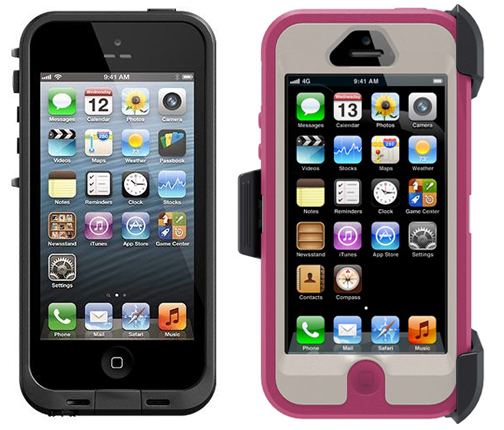

Note: This is imported sample content. Original source.


